
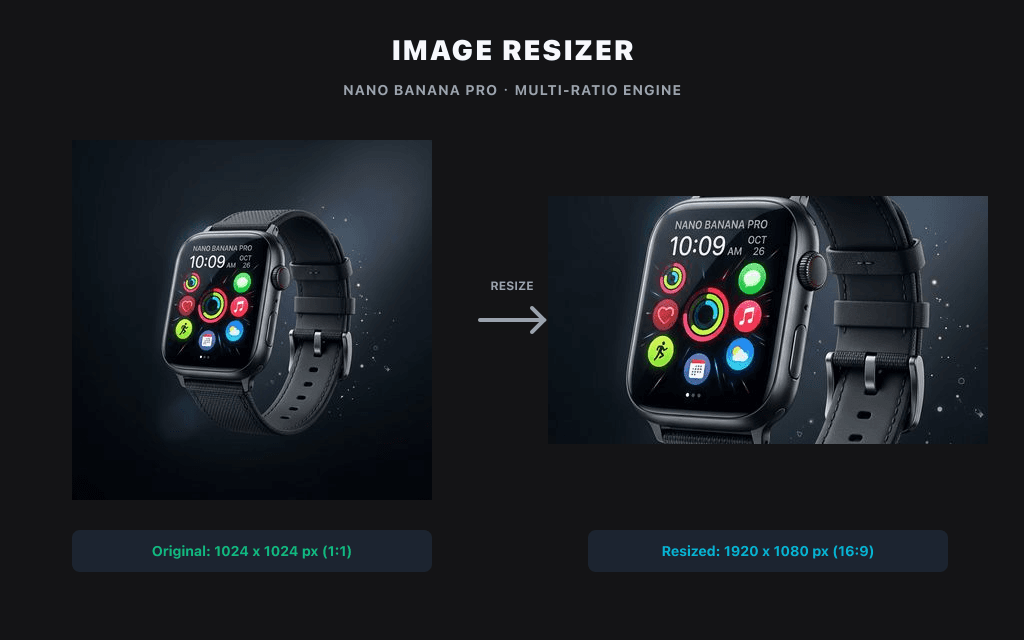
업로드 없이 로컬에서 이미지 해상도 및 픽셀 크기를 빠르게 조절합니다.
로컬 이미지 유틸리티
이미지는 이 브라우저에서 Canvas로 처리되며 기본적으로 Product API에 업로드되지 않습니다.
업로드 없음크레딧 없음브라우저 전용
프리셋 크기
출력 형식
소셜 미디어 자르기
이미지를 선택하거나 드롭해 이 브라우저에서 로컬로 처리하고 미리 봅니다.
사용 예시
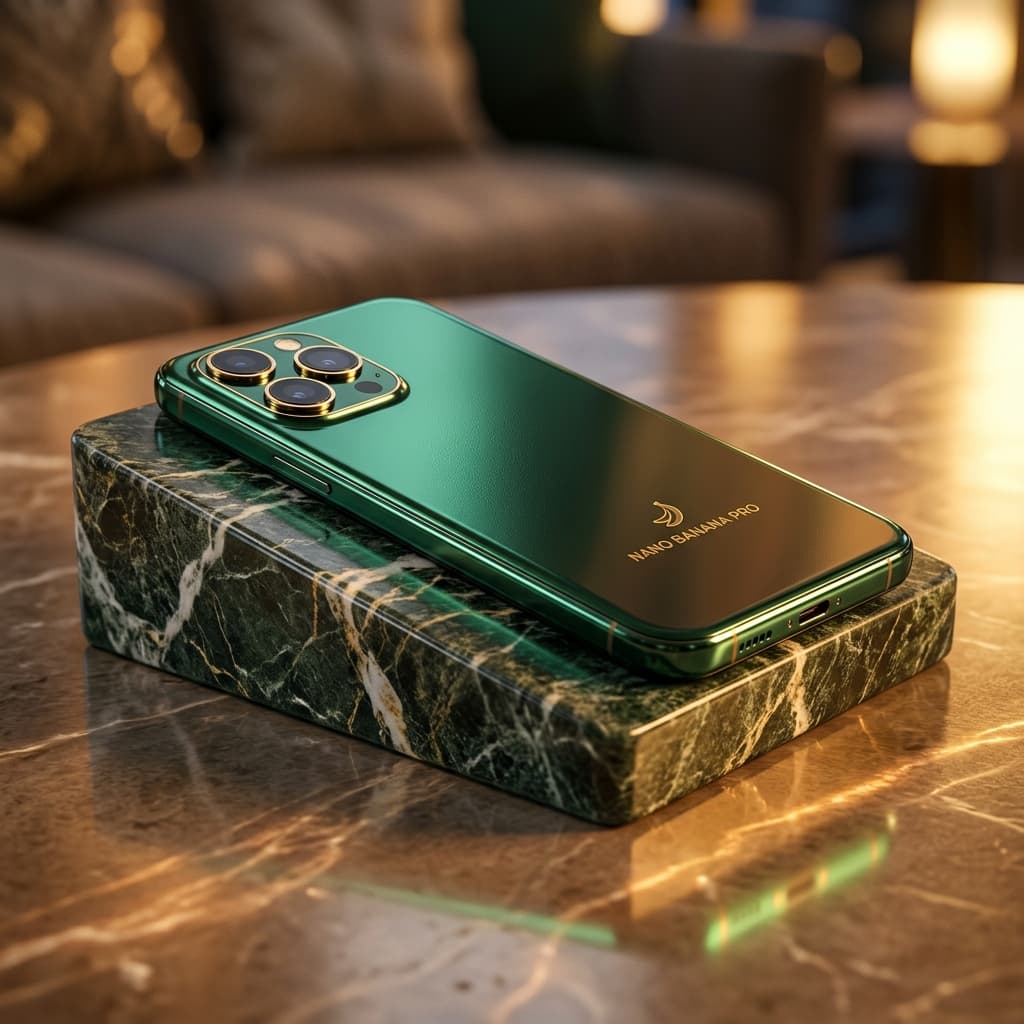
상품 그리드 맞춤

배너 맞춤
관련 도구
AI Suite관련된 스마트 이미지 도구를 탐색하여 크리에이티브 워크플로우를 계속하십시오:
자주 묻는 질문
How do I resize a PNG without losing quality?
Keep the aspect ratio locked and resize by pixels rather than upscaling. Because the tool processes your PNG locally in the browser, there's no re-compression from an upload — the main cause of quality loss.
Is this image resizer free?
Yes, completely free. No signup, no watermark, no usage limits.
Can I resize images without uploading them?
Yes. Files are processed entirely in your browser and never leave your device.
What size should I resize images to for Instagram?
세로형은 1080 × 1350, 정사각형은 1080 × 1080, 가로형은 1080 × 566입니다.
How do I resize an image to 1 MB?
Enter your target pixel dimensions, then choose the JPG or WebP quality level that brings the file under 1 MB. Lower quality = smaller file; the preview lets you check sharpness before downloading.
What file formats are supported?
PNG, JPG/JPEG and WebP. You can convert between them while resizing.