

Example media
Reviewed visual examples
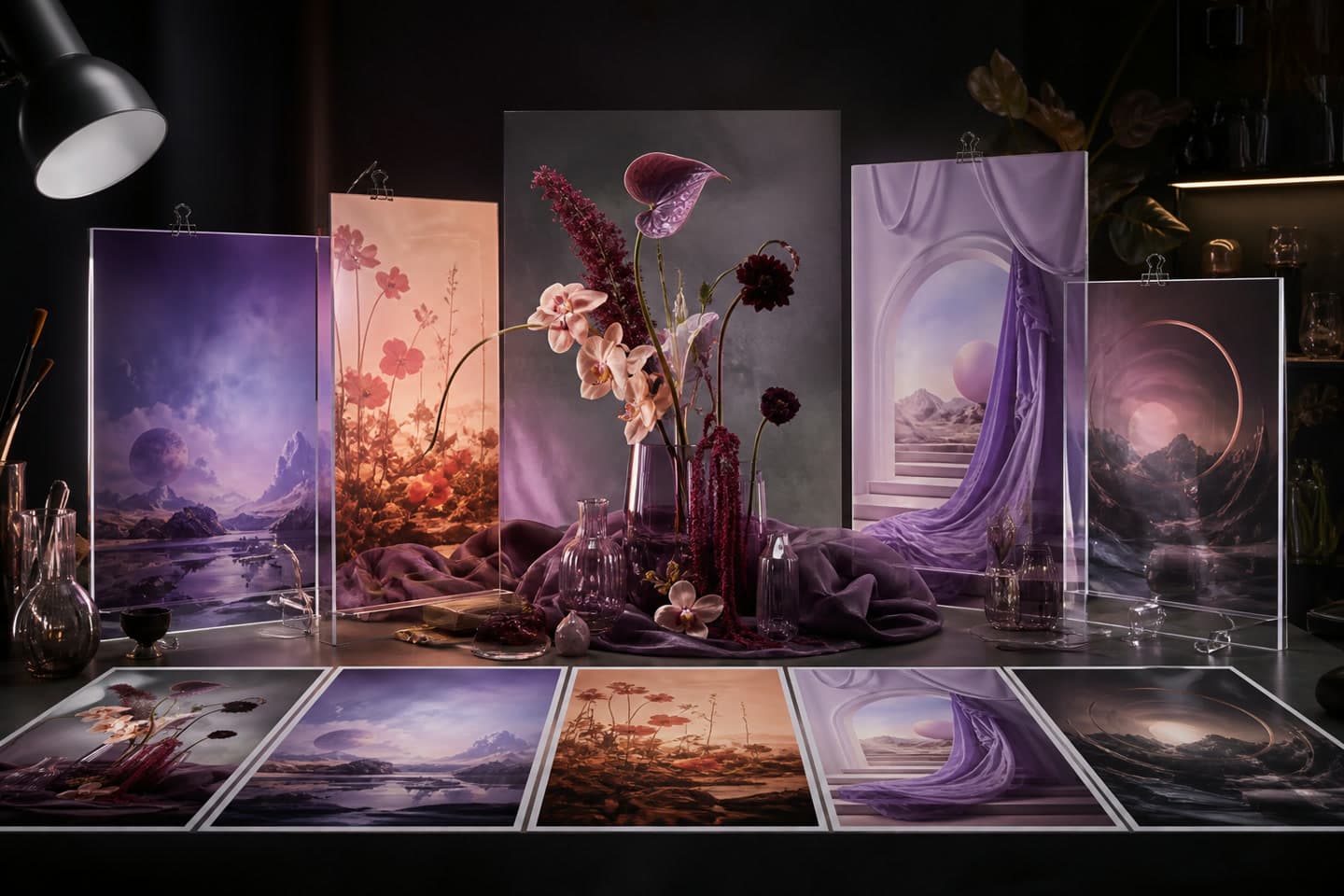

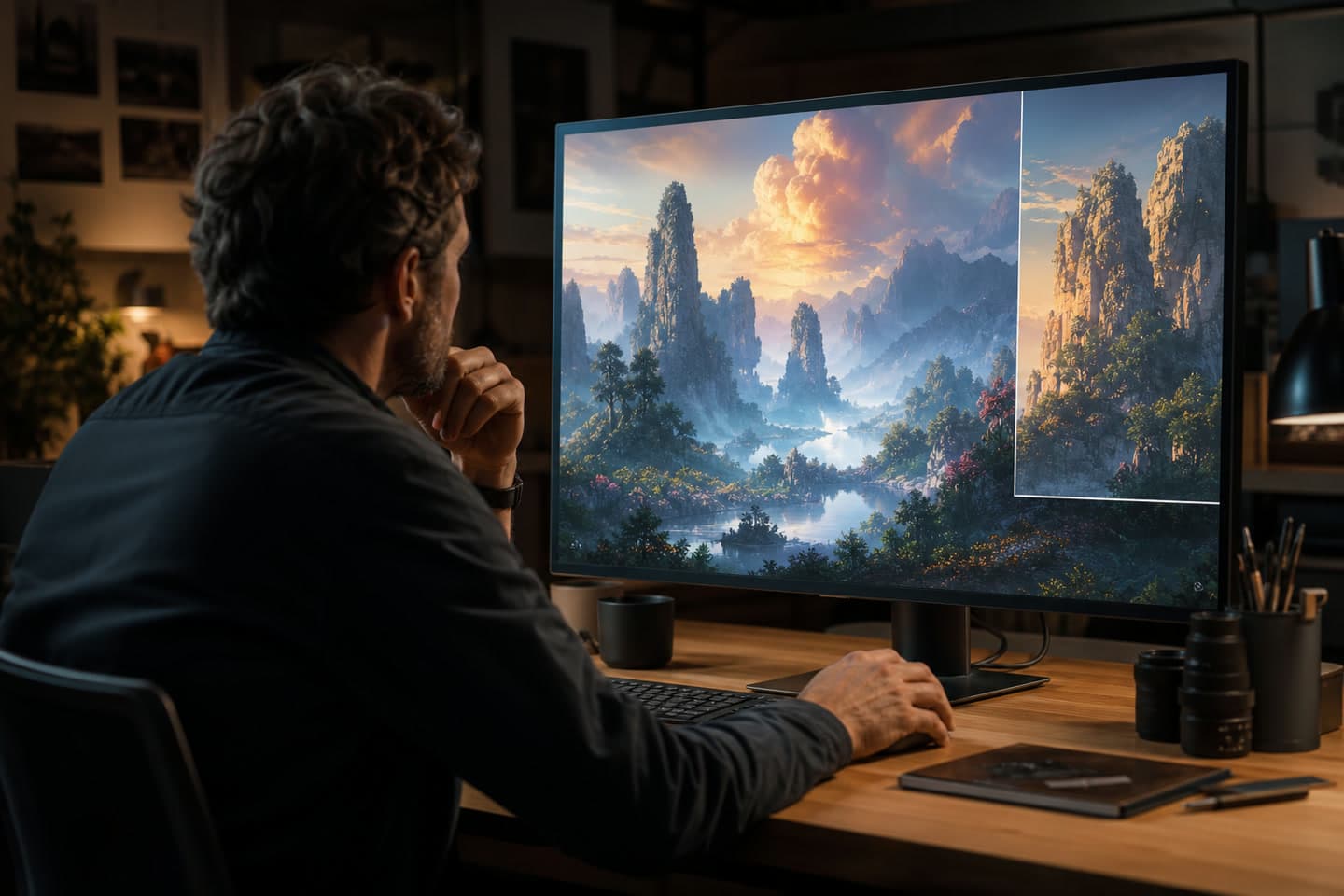
How to use in PerchanceAI
Workflow steps
- 1
Define the intended result
Write the audience, destination, and one primary outcome: an original image draft with a clear subject, composition, and reviewable visual direction. Decide whether the work is fictional, illustrative, or intended for a real publishing context.
- 2
Prepare authorized sources
Collect only references you own or can use. Assign each source a role, record consent where a person is involved, and keep subject, action or arrangement, setting, camera distance, lighting, palette, aspect ratio, and one detail to inspect after generation visible in the brief.
- 3
Create and compare
Open the current image workspace, use the available controls, and compare a small set while changing one visible decision at a time.
- 4
Review and disclose
Inspect the final result for artifacts, identity, text, rights, and misleading context. Add verified copy or disclosure manually before sharing; Use the homepage controls shown at creation time, review the result before download, and confirm source permissions and output rights before publication.
Specs
Specs, availability and credits
| Workflow status | Ready guide This describes the current guide and links to the available creation workspace. |
|---|---|
| Primary audience | creators, marketers, students, product teams, and anyone turning a written idea into an image Adapt the review depth and publishing decision to the real audience. |
| Primary outcome | an original image draft with a clear subject, composition, and reviewable visual direction Use the outcome as the comparison criterion for each draft. |
| Prompt focus | subject, action or arrangement, setting, camera distance, lighting, palette, aspect ratio, and one detail to inspect after generation Treat this as a planning checklist, not a promise of a hidden control. |
| Rights boundary | Use the homepage controls shown at creation time, review the result before download, and confirm source permissions and output rights before publication. Check current service terms, source permissions, consent, and disclosure requirements. |
Common mistakes
Avoid these before publishing
- Evaluating Perchance AI Image Generator only by model name, speed, or resolution instead of the brief, source quality, and reviewed output.
- Using a reference image, voice, performance, or likeness without permission.
- Changing the brief, source, model target, and publishing context at the same time.
- Use the homepage CTA for the real generation flow; this page does not create a second execution surface.
- Text in generated images, logos, faces, product details, and factual claims still need a human proofread.
- Keep prompts and source references authorized, and follow the current content policy before sharing a result.
Next action
Try the Perchance AI Image Generator workflow
Move from this perchance ai image generator guide into the current PerchanceAI entry point. Keep the brief, source role, consent decision, and review notes beside the result so the final publishing decision remains accountable.
Start with the job, not a style label
Perchance AI Image Generator work becomes easier to evaluate when the prompt begins with a concrete job: an original image draft with a clear subject, composition, and reviewable visual direction. Define the audience—creators, marketers, students, product teams, and anyone turning a written idea into an image—and the destination before adding visual treatment. Then specify subject, action or arrangement, setting, camera distance, lighting, palette, aspect ratio, and one detail to inspect after generation. This order keeps the result connected to a real brief and makes a revision explainable. A list of fashionable adjectives can produce an attractive image or clip while leaving the subject, crop, or motion unclear. Use one primary outcome, one visual hierarchy, and one review condition for the first pass. Use the homepage controls shown at creation time, review the result before download, and confirm source permissions and output rights before publication.
- Write the intended an original image draft with a clear subject, composition, and reviewable visual direction before choosing a visual style.
- Use specific subject language, intentional framing, readable negative space, and a restrained material or lighting brief as a starting direction rather than a quality guarantee.
- Reserve names, dates, logos, legal lines, and factual claims for a controlled human finishing step.
Give every reference one job
References are useful when each one contributes a defined attribute. One image might provide a pose, another a palette, and a short clip a camera path; none of them automatically grants permission to copy a person, performance, product, or artwork. State the role in the prompt and keep the source record with the project. For perchance ai image generator, the useful question is whether the selected reference makes an original image draft with a clear subject, composition, and reviewable visual direction more precise. If the source is a person's likeness or motion, obtain permission before using it and avoid contexts that could mislead viewers about identity or endorsement.
- Use the homepage CTA for the real generation flow; this page does not create a second execution surface.
- Text in generated images, logos, faces, product details, and factual claims still need a human proofread.
- Keep prompts and source references authorized, and follow the current content policy before sharing a result.
Compare small, reviewable variations
Generate a small comparison set through the current PerchanceAI workspace, then choose a direction using the same brief. Change only one or two variables on the next pass: camera distance, pose, motion path, age cue, palette, wardrobe, background density, or crop. Review at thumbnail or playback size for hierarchy and at full size or frame-by-frame for artifacts. Check perchance ai image generator for accidental text, identity drift, repeated details, anatomy problems, unstable edges, misleading context, or unexplained sound. The goal is a traceable decision, not a claim that one output is objectively superior.
- Keep the prompt, selected target, source role, and review notes together.
- Keep rejected variants when they explain a safety, rights, or quality decision.
Finish with consent, rights, and disclosure
Perchance AI Image Generator is not complete when a file renders. Verify that the output matches the approved brief, that every source is authorized, and that the presentation cannot be mistaken for a real event, statement, endorsement, age record, or future fact. Use the homepage controls shown at creation time, review the result before download, and confirm source permissions and output rights before publication. Add real typography, product information, captions, and sponsorship language in a controlled layout or publishing workflow. Keep a note of who consented, what was synthetic, what was manually reviewed, and where the asset will appear. This record is especially important when the image depicts a face, a minor, a public figure, a creator-like persona, or a recognizable brand.
- Inspect the final export on the actual channel, device, or playback size.
- Document source rights, consent, and disclosure requirements before distribution.
- Do not use a synthetic result to establish identity, age, health, endorsement, or a factual event.
Continue in the PerchanceAI workspace
The CTA opens the homepage. Review the controls presented there, choose the target and settings that match the brief, and keep the source, consent, and review notes beside the result through publication.
- Confirm the current target and input role before submission.
- Keep source media and generated media distinguishable in project notes.
- Share only after the content, rights, consent, and disclosure review is complete.
Prompt examples
Copy-ready starts
Copy an example, then replace the subject and production details with material you can use.
Create an original image draft with a clear subject, composition, and reviewable visual direction. Audience: creators, marketers, students, product teams, and anyone turning a written idea into an image. Focus on specific subject language, intentional framing, readable negative space, and a restrained material or lighting brief. Include subject, action or arrangement, setting, camera distance, lighting, palette, aspect ratio, and one detail to inspect after generation.
Perchance AI Image Generator concept with one clear focal subject, deliberate framing, controlled supporting detail, useful negative space, and specific subject language, intentional framing, readable negative space, and a restrained material or lighting brief.
Perchance AI Image Generator: use the authorized reference only for its stated role, preserve the approved subject or motion, and produce an original image draft with a clear subject, composition, and reviewable visual direction. Mark the result as synthetic when the context requires it.
Create a second perchance ai image generator variation. Preserve the approved anchors, change one scene or camera decision, keep the crop intentional, and leave room for manually verified copy.
Perchance AI Image Generator draft for review: subject, action or arrangement, setting, camera distance, lighting, palette, aspect ratio, and one detail to inspect after generation; restrained palette, readable silhouette, clean edges, destination-aware crop, no unverified logos, claims, identity, or endorsement.
An original perchance ai image generator concept for a clearly labeled synthetic-media study. specific subject language, intentional framing, readable negative space, and a restrained material or lighting brief. Keep source rights, consent, and disclosure notes outside the generated image.
FAQ
Frequently asked questions
Perchance AI Image Generator is a PerchanceAI workflow guide for creators, marketers, students, product teams, and anyone turning a written idea into an image. It focuses on an original image draft with a clear subject, composition, and reviewable visual direction and connects the active workspace with source rights, consent, and review steps.
Start with subject, action or arrangement, setting, camera distance, lighting, palette, aspect ratio, and one detail to inspect after generation. Keep one primary outcome visible, then add only the details that change the composition or motion. A concise prompt makes it easier to compare revisions and explain why a result was selected.
Use a source only when you own it or have permission, and describe the role it plays: pose, palette, camera, material, motion, or identity. A reference does not grant rights to a person, product, logo, performance, or artwork. Use the homepage controls shown at creation time, review the result before download, and confirm source permissions and output rights before publication.
Open the linked PerchanceAI workspace, apply the prompt and source-preparation guidance, compare a small set, and complete the page's rights, consent, and publishing review before sharing the result.
Use the homepage CTA for the real generation flow; this page does not create a second execution surface. Text in generated images, logos, faces, product details, and factual claims still need a human proofread. Keep prompts and source references authorized, and follow the current content policy before sharing a result. Never present a synthetic result as a real event, statement, endorsement, age record, or future fact. Obtain appropriate permission and disclose synthetic media when the context could mislead viewers.
Identify the largest visible problem first, change one or two variables, and compare a small set against the same brief. Inspect the result at the destination size and full size, then check text, identity, edges, factual details, safety, and rights before sharing.