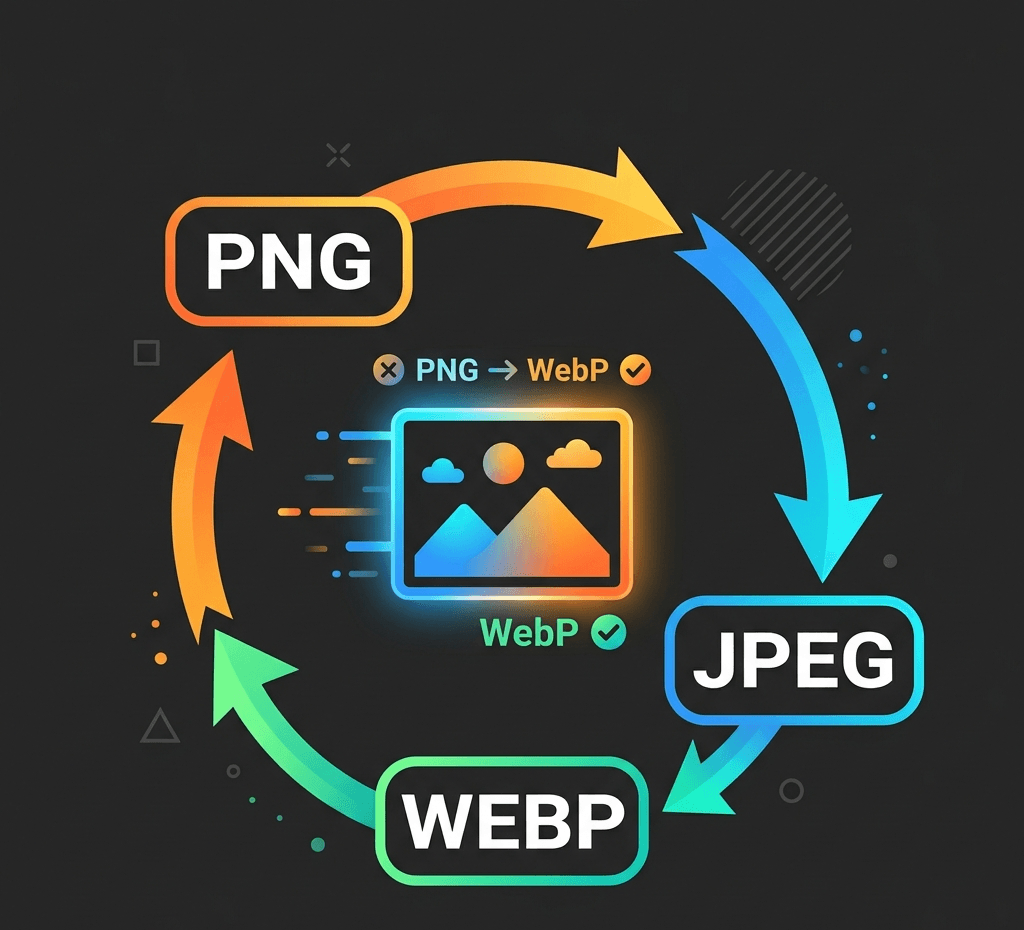
Convert JPG to WebP for free online – smaller files, same quality, no sign-up. Also WebP to PNG, PNG to JPG & JPG to PNG, all processed locally in your browser.
Local image utility
Images are processed with Canvas in this browser and are not uploaded to the Product API by default.

Convert PNG to WebP
Choose or drop an image to process and preview it locally in this browser.
Examples


Convert WebP to JPEG

Convert JPEG to PNG
Related tools
AI SuiteExplore more related image tools to continue your creative workflow:
FAQ
Is this JPG to WebP converter free?
Yes, our JPG to WebP converter is 100% free to use. There's no sign-up required, no watermark added to your images, and no daily conversion limit.
Do I need to upload my JPGs to a server?
No. All conversions happen locally in your browser, so your images never leave your device. This makes our converter completely private and secure.
What image formats does the converter support?
Currently we support JPG, PNG, and WebP, and you can convert between any two of them: JPG to WebP, WebP to PNG, PNG to JPG, JPG to PNG, and more. Use the "More Free Image Conversions" section above to jump to each one.
Will converting JPG to WebP reduce image quality?
WebP uses efficient compression that looks visually identical to the original JPG at equal quality settings, while producing files that are typically 25% to 34% smaller. You can also adjust the compression level to balance file size and quality yourself.
Why should I use WebP instead of JPG?
WebP files are smaller and load faster on websites, which improves page speed and SEO. JPG has wider compatibility for older software and print. Choose the format based on where the image will be used.
Can I batch convert multiple JPG images to WebP at once?
Yes, you can upload and convert multiple images in one batch. Just select several JPG files and our converter will process them all at the same time.
What's the difference between .jpg and .jpeg?
There's no content difference — .jpg and .jpeg are two extensions for the same image format. Our converter recognizes both.