
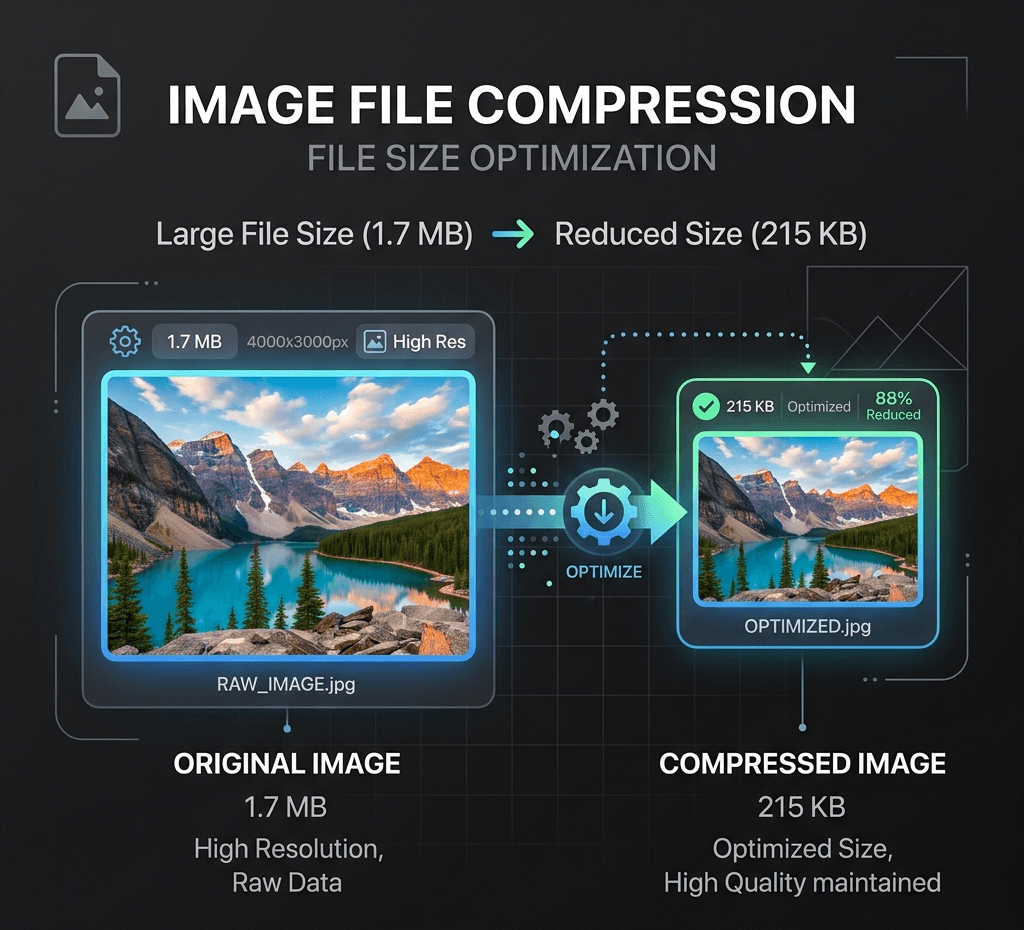
画質を維持しながら、ローカルで画像ファイルサイズを素早く圧縮します。
ローカル画像ユーティリティ
画像はこのブラウザ内で Canvas により処理され、既定では Product API にアップロードされません。
アップロード不要クレジット不要ブラウザのみ
出力形式
Webエクスポート用圧縮
画像を選択またはドロップして、このブラウザ内でローカル処理とプレビューを行います。
使用例
よくある質問
Is this image compressor really free?
Yes. It's completely free to use with no watermarks, no sign-up, and no daily limits. Compress as many images as you need, as many times as you want.
Are my images uploaded to a server?
No. Compression happens entirely in your browser, on your device. Your images are never uploaded or stored anywhere, so they stay fully private.
What image formats are supported?
The tool supports common web formats including JPG/JPEG, PNG and WebP.
Will compressing my image reduce its quality?
JPGやWebPの圧縮では画質とのトレードオフが生じる場合がありますが、その程度は調整できます。高画質の設定では、ファイルサイズが大幅に小さくなっても、見た目の違いはほとんど分かりません。PNG出力は可逆圧縮を使用し、画質スライダーは表示されません。ダウンロード前に結果をプレビューしてください。
Is there a file size or resolution limit?
ローカル圧縮は25 MiBまでのファイルに対応し、アップロードせずにお使いの端末で処理します。2400万画素を超える画像は、処理上限に収まるよう縮小されます。
Can I compress an image to a specific size, like under 20KB?
Yes. Adjust the compression level to shrink your image below a target size like 20KB, 50KB or 100KB. For precise targets, lowering quality or converting PNG to JPG/WebP usually gets you there fastest.
Is my data safe? What happens to my images after compression?
Your images stay on your device the entire time. Nothing is uploaded, stored, or shared — after you close the page, no copy of your file remains on any server.
Why should I compress images for my website?
Smaller images load faster, which improves PageSpeed/Core Web Vitals, reduces bounce rate, and can help SEO rankings. It also saves bandwidth for your visitors and storage costs for you.