
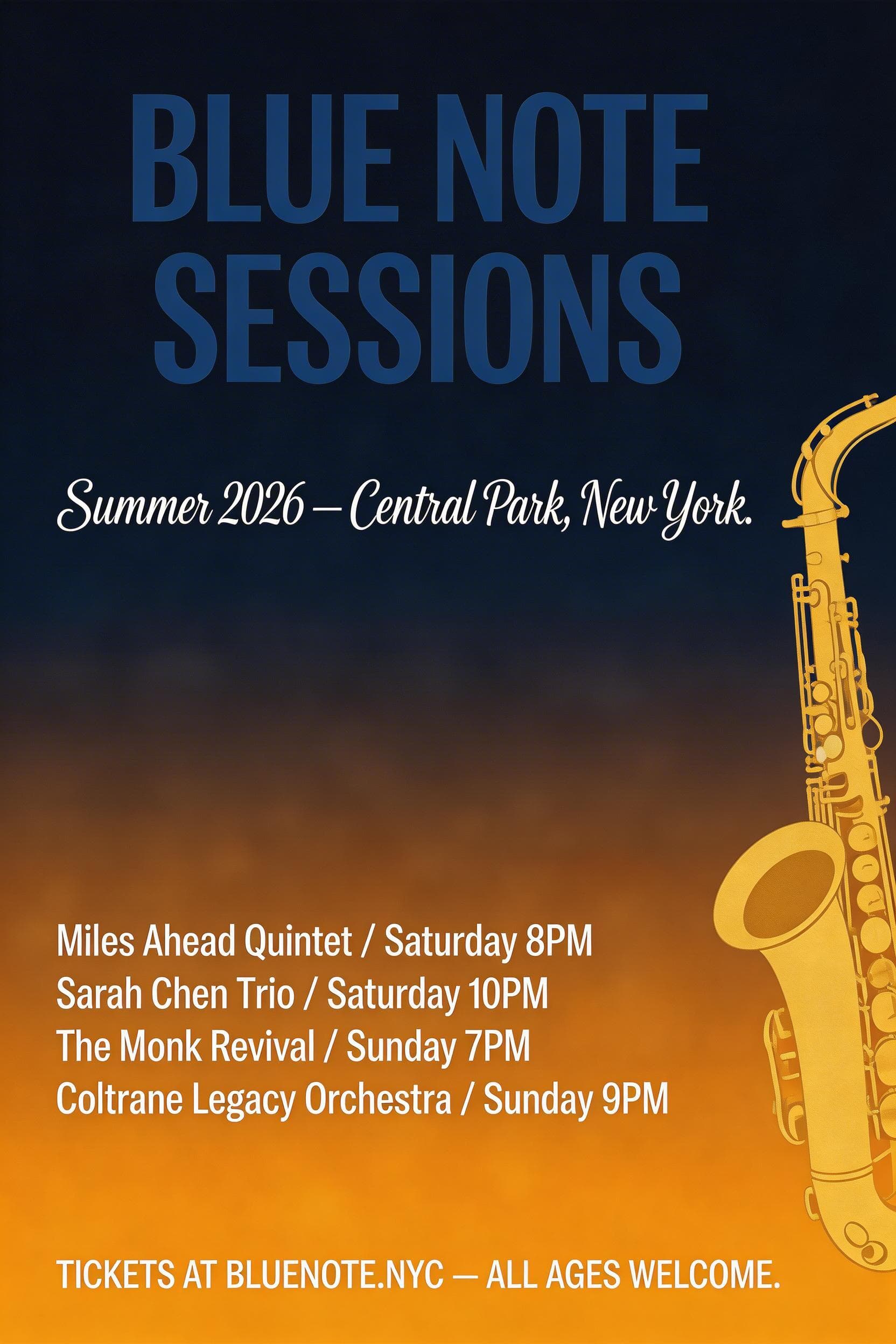
Example media
Reviewed visual examples
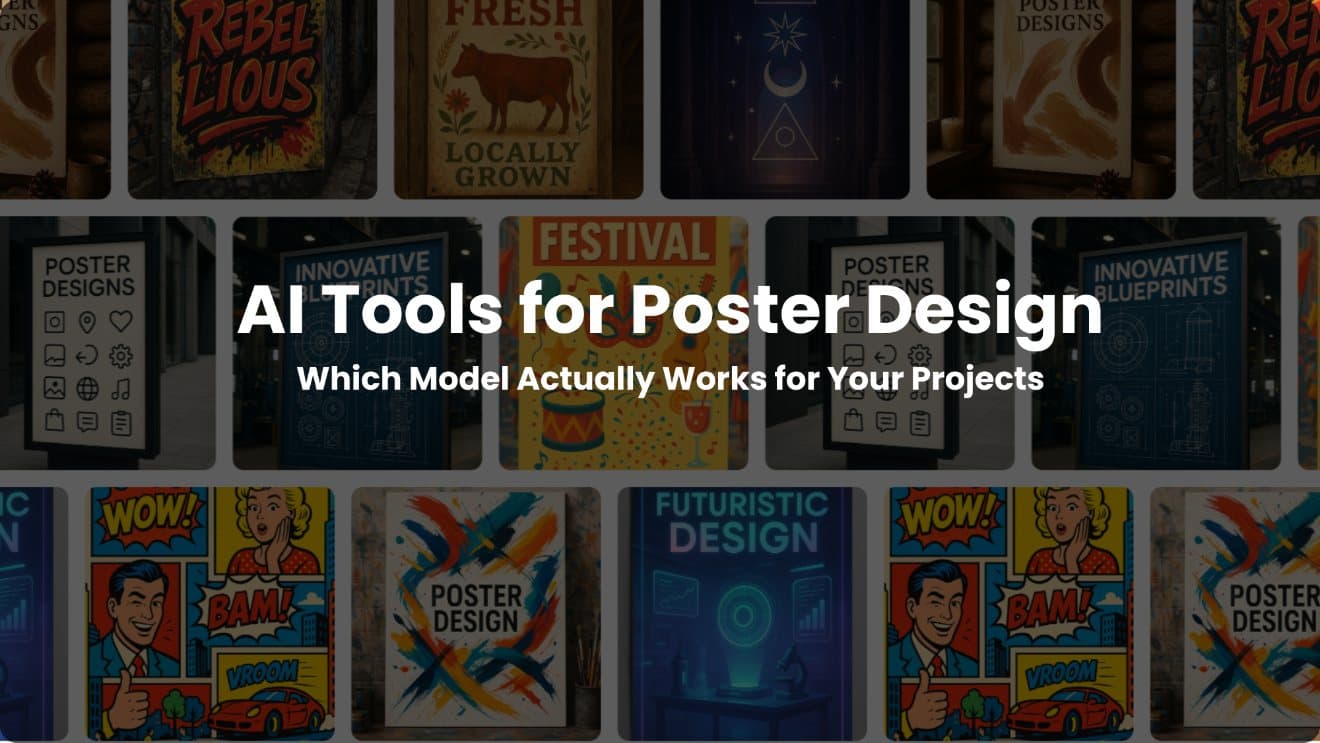
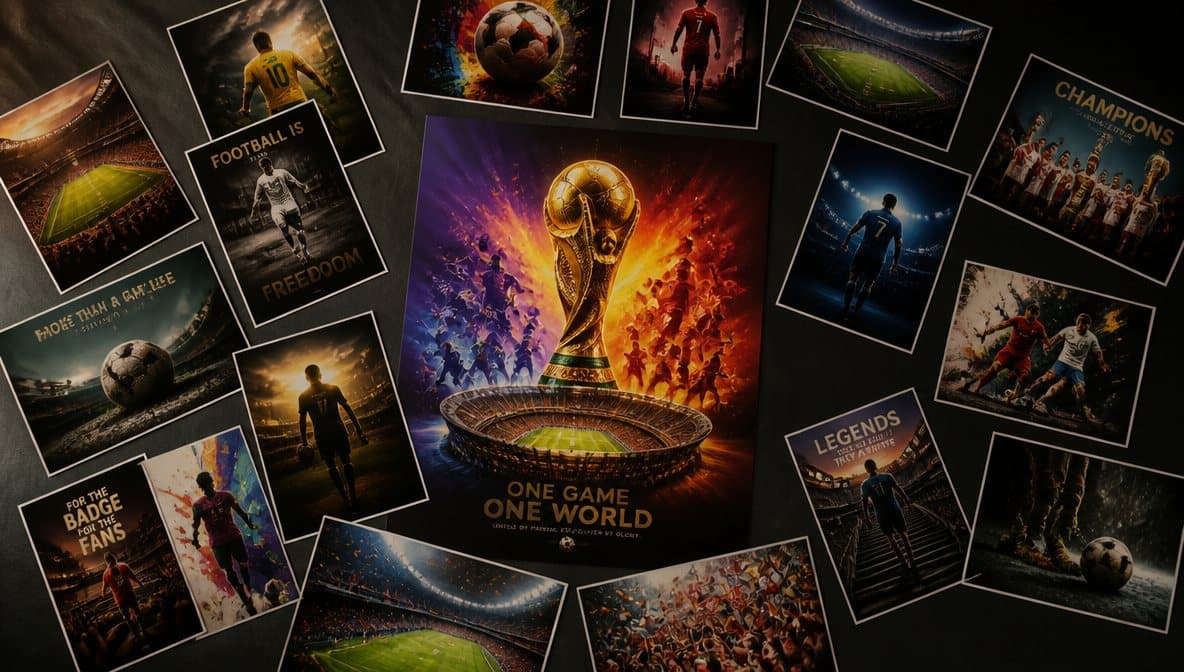
How to use in PerchanceAI
Workflow steps
- 1
Write a no-text prompt
Describe the poster subject, mood, material texture, lighting, ratio, and blank copy areas.
- 2
Generate directions
Create a small set of visual directions and reject any image with unreadable text or copied IP.
- 3
Enhance the selected image
Improve only the strongest candidate before spending time on exports.
- 4
Resize and review
Prepare print and social crops, then add final copy outside the generator.
Specs
Use case status and media context
| Best output | No-text poster art or copy-safe campaign background. |
|---|---|
| Table use | Poster art, social crop, landing-page crop, print preview. |
| Review | Typography, rights, claims, print crop, and brand marks. |
| Tool path | Generate, Image Enhancer, Image Resizer, Image Compressor. |
Common mistakes
Avoid these before publishing
- Asking the generator to create final dates, venue text, sponsor logos, or legal copy.
- Using protected characters, film posters, or recognizable artist styles as direct references.
- Skipping crop checks for print bleed, mobile previews, and square social variants.
Next action
Create a no-text poster direction first.
Generate the art layer, then move final typography and production details into a controlled design pass.
Use-case fit
AI poster design works best when the generator handles art direction and the design tool handles final copy. Use PerchanceAI for composition, texture, mood, and crop variants; keep event details, sponsor marks, ticket copy, and legal text in a manual layout pass.
Workflow
Start with a no-text poster prompt, generate two or three directions, choose the strongest composition, enhance the selected image, then resize it into print, social, and landing-page crops.
- Use no-text or copy-safe prompts.
- Keep final typography manual.
- Review rights and claims before publishing.
Review boundary
A poster can look polished while still being wrong for production. Check print bleed, brand permissions, event accuracy, generated symbols, and whether the visual borrows protected characters or recognizable artwork.
Prompt examples
Copy-ready starts
Copy an example, then replace the subject and production details with material you can use.
A no-text product launch poster art concept, one owned product silhouette, graphite paper set, scarlet accent line, large blank headline area, realistic print texture.
A no-text event poster concept with layered paper shapes, dramatic spotlight, bold central composition, original symbols, space for manual date and venue copy.
A cinematic no-text poster image with one original subject, deep shadows, practical light, strong negative space, no franchise references or generated typography.
A campaign poster background for an ecommerce sale, owned product area, blank copy panel, premium material texture, no fake discount badge or platform UI.
A vertical poster art direction adapted into a square crop, subject centered, side space preserved, no readable text, suitable for social export review.
FAQ
Frequently asked questions
Usually no. Generate no-text art or copy-safe layout, then add final headline, date, sponsor marks, and legal text in a design tool.
Describe the subject, campaign purpose, material texture, lighting, negative space, ratio, and whether the image should be no-text or copy-safe.
Use Image Enhancer for selected art, Image Resizer for social and print previews, and Image Compressor for web-ready exports.
Review rights, brand marks, event details, final typography, print crop, and whether the visual implies unsupported claims.