
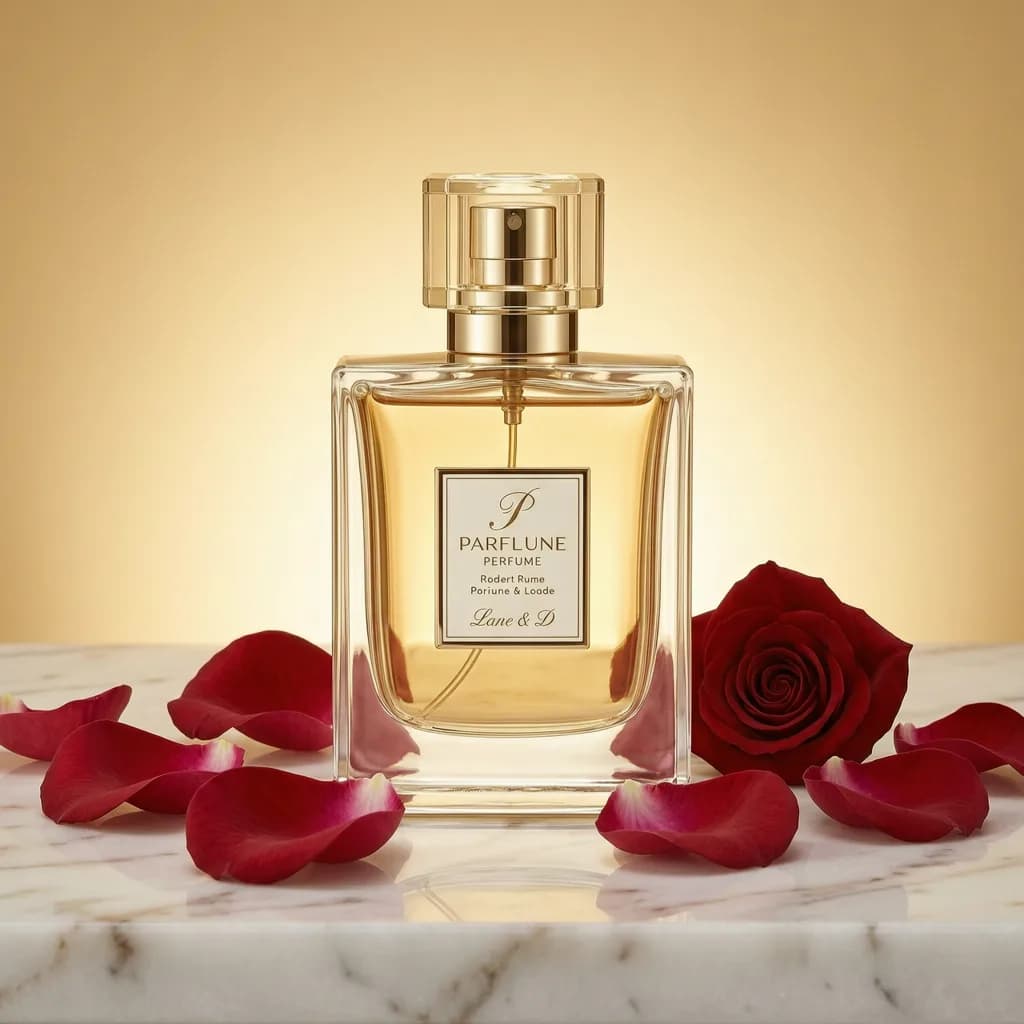
Example media
Reviewed visual examples
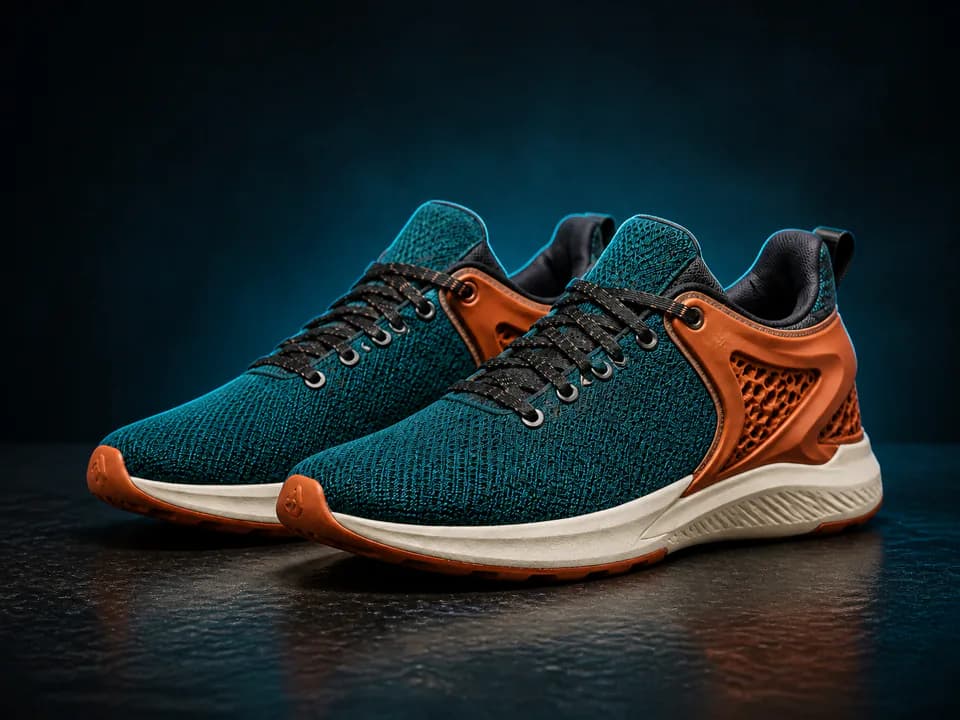
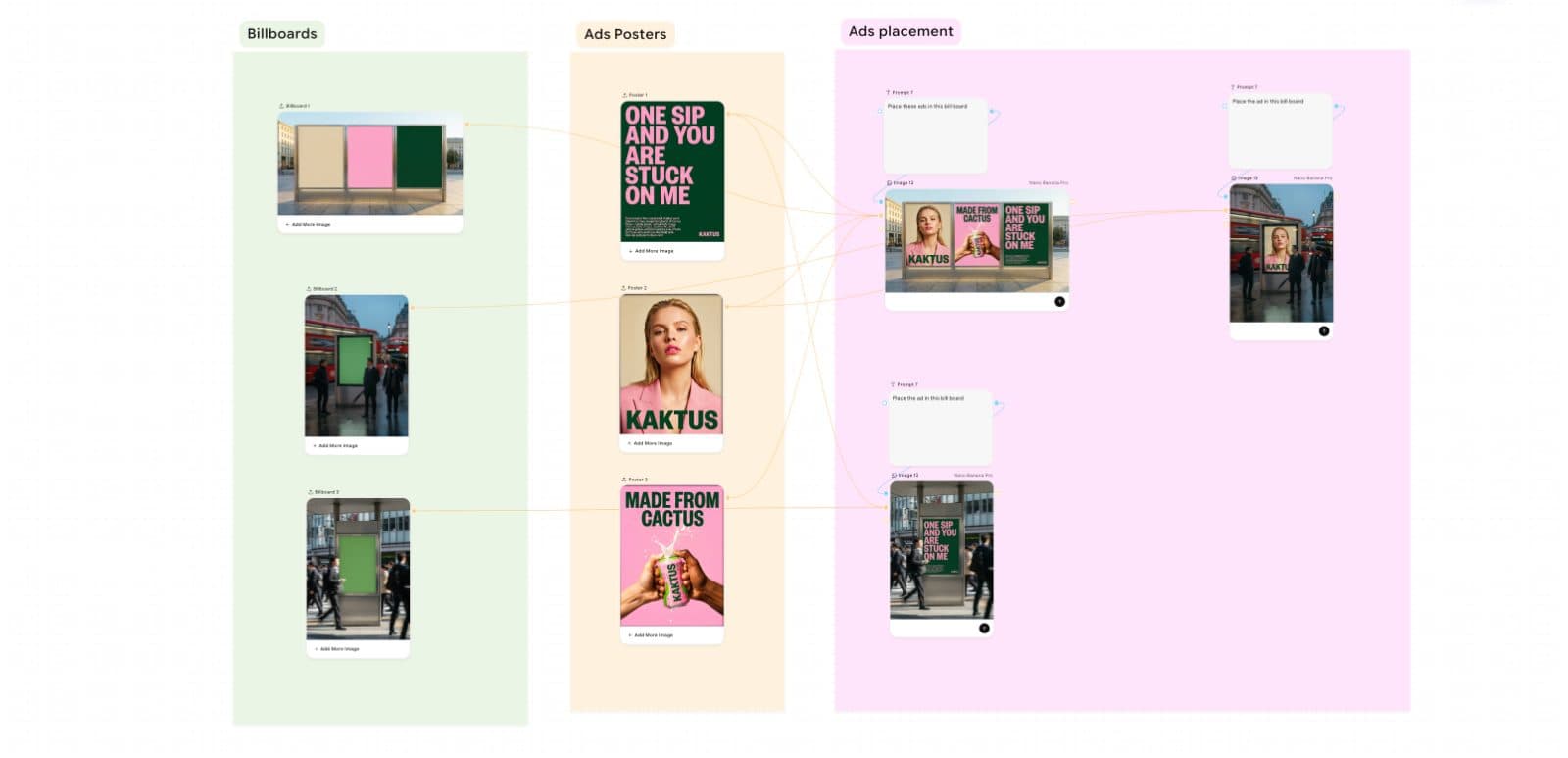
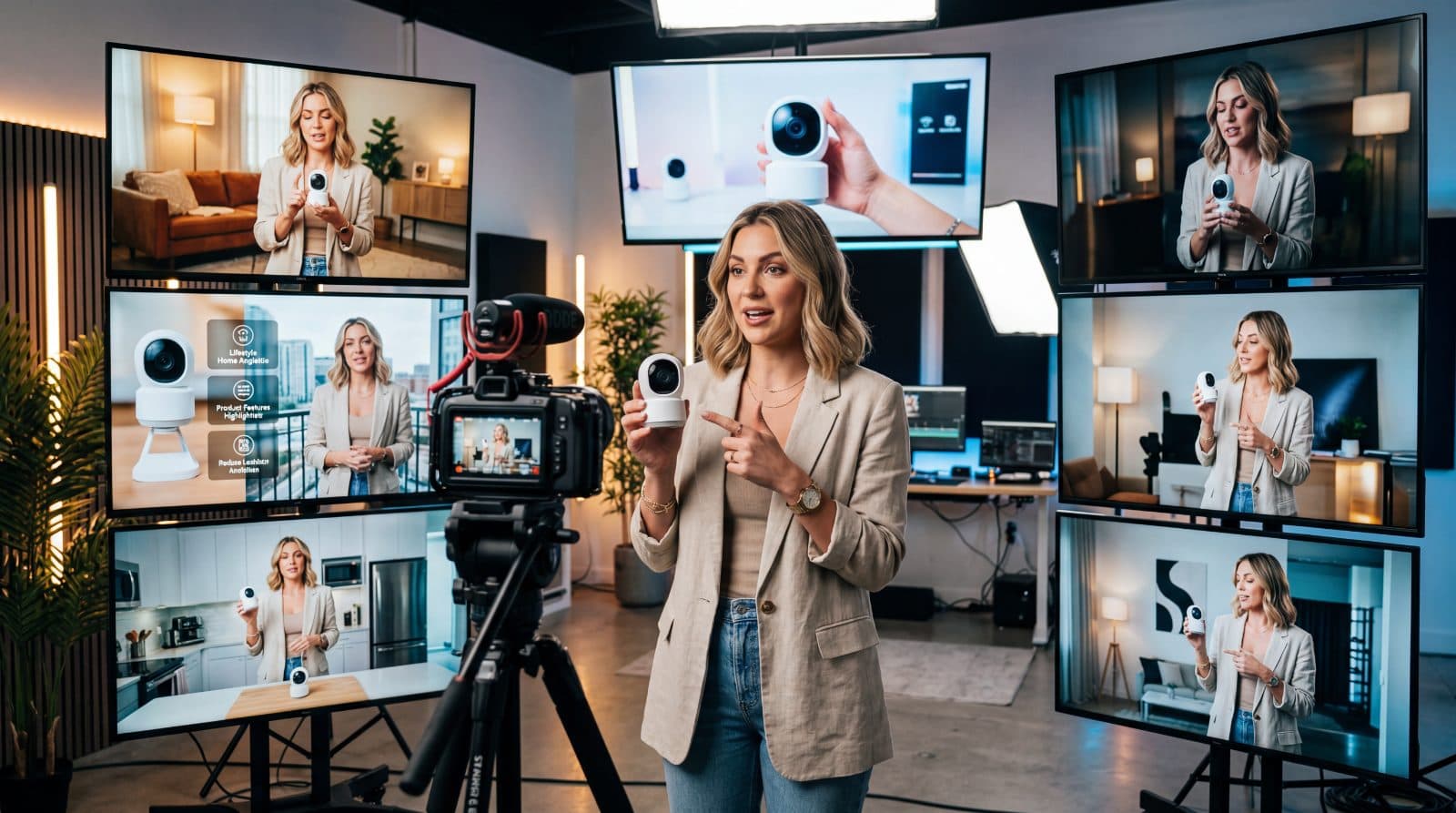
Reviewed workflow examples
These examples show draft product-photo workflows.
- Use owned product material.
- Review product accuracy before publishing.
- Check platform rules before using final images in listings or ads.
How to use in PerchanceAI
Workflow steps
- 1
Start with owned product material
Upload or describe only products, packaging, and brand assets you are allowed to use.
- 2
Choose the image type
Decide whether the output is a white-background catalog draft, lifestyle scene, detail crop, or social ad visual.
- 3
Generate and clean up
Run the product photo workflow, then use Background Remover, White Background, Transparent Background, Image Upscaler, Image Resizer, or Image Compressor for finishing.
- 4
Review before upload
Compare the draft against the real product and marketplace requirements before publishing anywhere.
Specs
Use case status and media context
| Media context | Owned product photo, white-background draft, lifestyle draft. |
|---|---|
| Review | Product truth, packaging, claims, rights, marketplace rules. |
| Workflow examples | Draft product-photo workflows for catalog images, lifestyle scenes, and social visuals. |
| Entry points | AI Product Photo Generator, Background Remover, White Background, Generate. |
Common mistakes
Avoid these before publishing
- Inventing product certifications, reviews, badges, or performance claims.
- Letting generated labels or packaging replace the real product truth.
- Using unowned brand assets, characters, or competitor packaging as references.
Next action
Build a product image set from one reviewed draft.
Create a product-photo concept, clean the background, then resize and compress final candidates only after manual review.
Use-case fit
AI product photos are useful for draft catalog images, lifestyle scenes, product ad concepts, and listing variants. The page should help ecommerce teams move quickly without pretending that generated assets are already compliant or platform-approved.
Workflow
Start from owned product material, generate a draft, clean the background if needed, resize for the target channel, and complete a manual product review before publishing.
- Use owned product inputs.
- Keep product claims out of the generated image.
- Review final crops before upload.
Media review
Every visual example is context for a workflow: one image shows the product concept, one shows a premium scene, and one shows cleanup/export direction. The final image still needs product truth, edge quality, and channel review.
Prompt examples
Copy-ready starts
Copy an example, then replace the subject and production details with material you can use.
A single skincare bottle on a white seamless background, accurate silhouette, preserved blank label area, soft commercial shadow, clean ecommerce crop, no rating badges.
A compact travel mug on a stone kitchen counter with morning window light, realistic scale, understated props, premium retail photography, no unowned brand marks.
A square product ad visual with one hero object, monochrome paper background, sharp red accent line, space for headline text, realistic studio lighting, no fake discount badge.
An owned product packshot with a clear front-facing silhouette, soft shadow, neutral white background, conservative crop, no invented certifications or marketplace icons.
A close detail crop of an owned product material texture, realistic side light, clean background, accurate surface finish, no exaggerated performance claims.
FAQ
Frequently asked questions
Treat them as drafts. Review product accuracy, packaging, claims, rights, and marketplace rules before publishing.
Yes when product truth matters. Owned product references help preserve shape, scale, and packaging details.
Catalog shots, white-background drafts, lifestyle scenes, product detail crops, and social ad concepts.
It means you can reuse the prompt or owned input in Generate for variations. It does not imply a separate direct remix button on this page.