
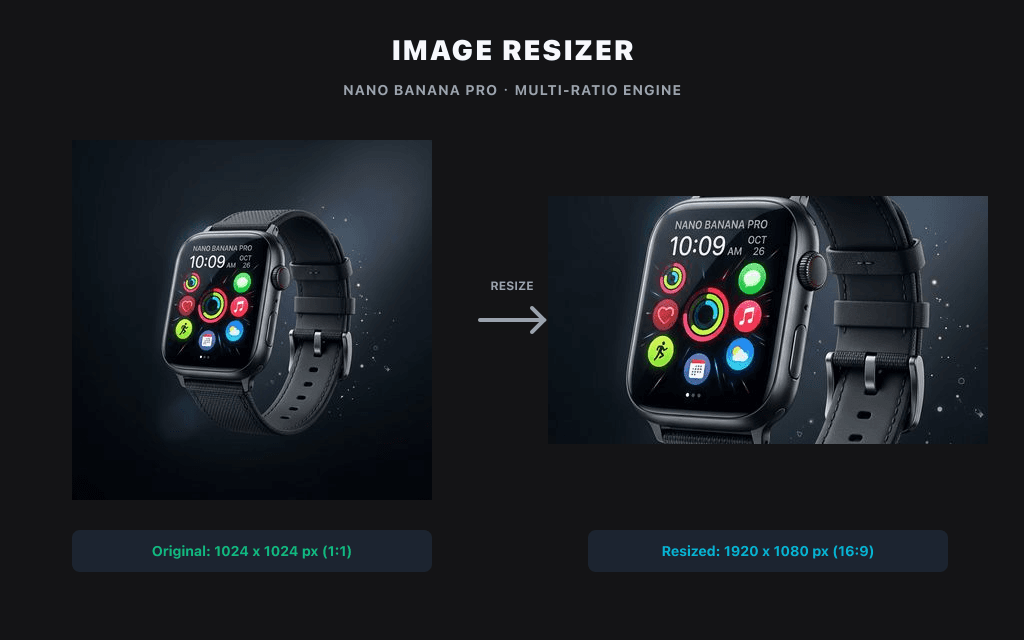
Измените разрешение и размеры изображения локально в браузере без загрузки на сервер.
Утилита локального изображения
Изображения обрабатываются локально в этом браузере и по умолчанию не передаются в Product API.
Нет загрузкиНет кредитовТолько браузер
Шаблон размера
Выходной формат
Изменение размера постов в социальных сетях
Выберите или перетащите изображение для обработки и предварительного просмотра его локально в этом браузере.
Примеры
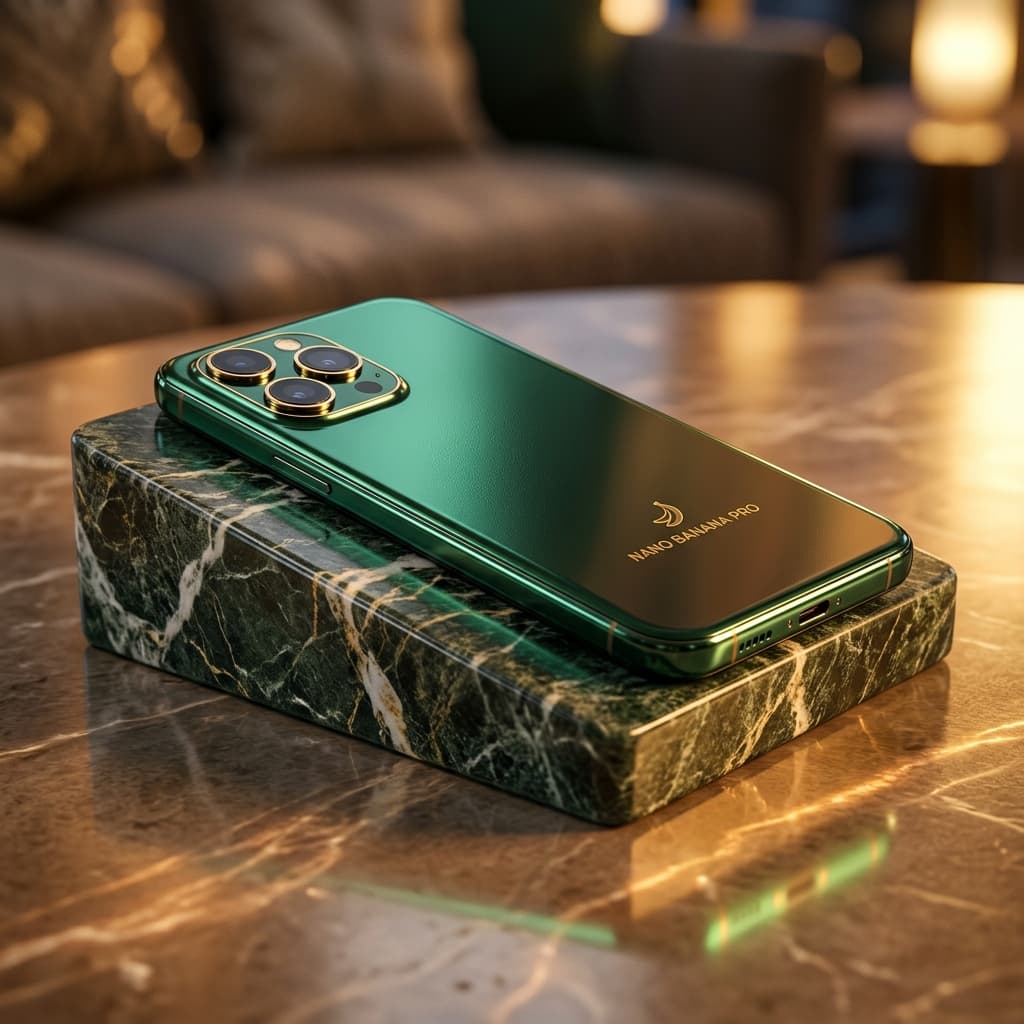
Размер изображений для сетки товаров
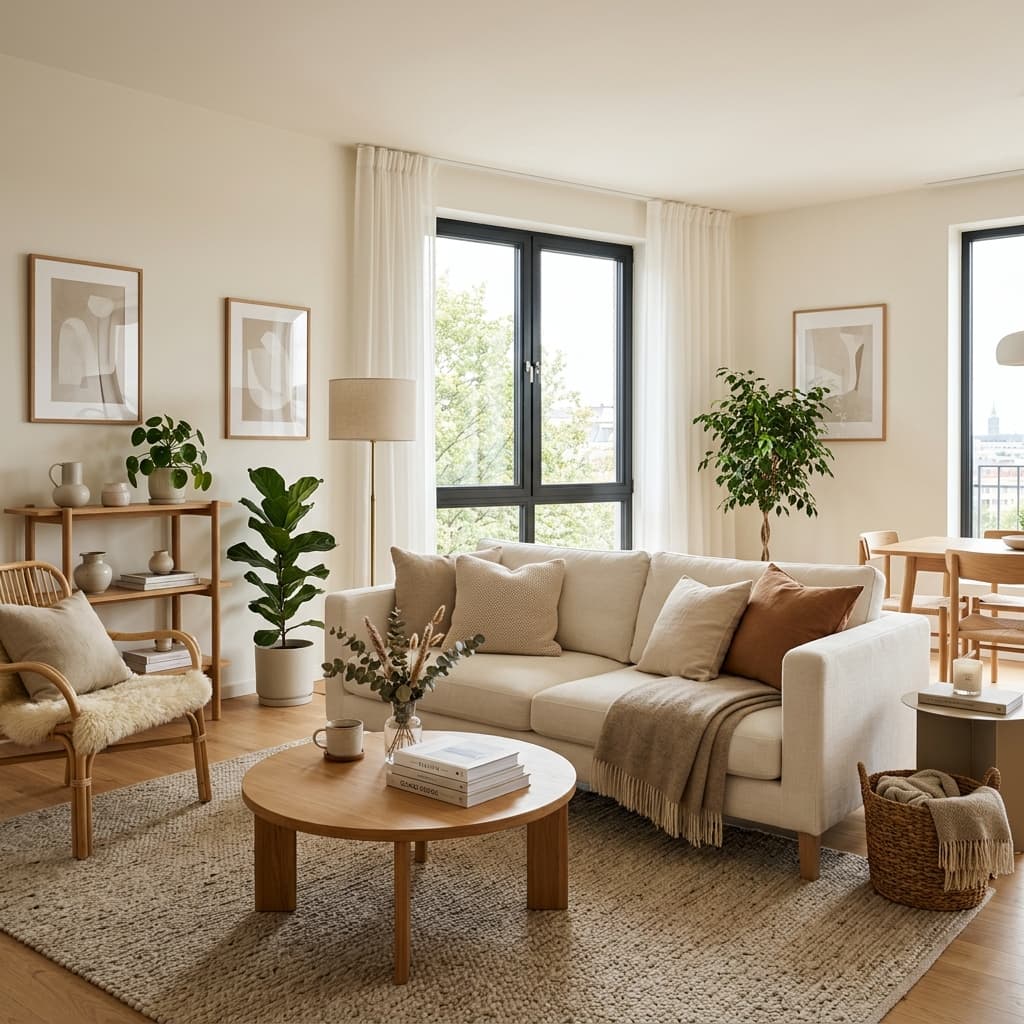
Изменение размера макетов баннеров
Похожие инструменты
AI SuiteИспользуйте связанные инструменты, чтобы продолжить работу с изображением:
Частые вопросы
How do I resize a PNG without losing quality?
Keep the aspect ratio locked and resize by pixels rather than upscaling. Because the tool processes your PNG locally in the browser, there's no re-compression from an upload — the main cause of quality loss.
Is this image resizer free?
Yes, completely free. No signup, no watermark, no usage limits.
Can I resize images without uploading them?
Yes. Files are processed entirely in your browser and never leave your device.
What size should I resize images to for Instagram?
1080 × 1350 для вертикального формата, 1080 × 1080 для квадратного и 1080 × 566 для горизонтального.
How do I resize an image to 1 MB?
Enter your target pixel dimensions, then choose the JPG or WebP quality level that brings the file under 1 MB. Lower quality = smaller file; the preview lets you check sharpness before downloading.
What file formats are supported?
PNG, JPG/JPEG and WebP. You can convert between them while resizing.