
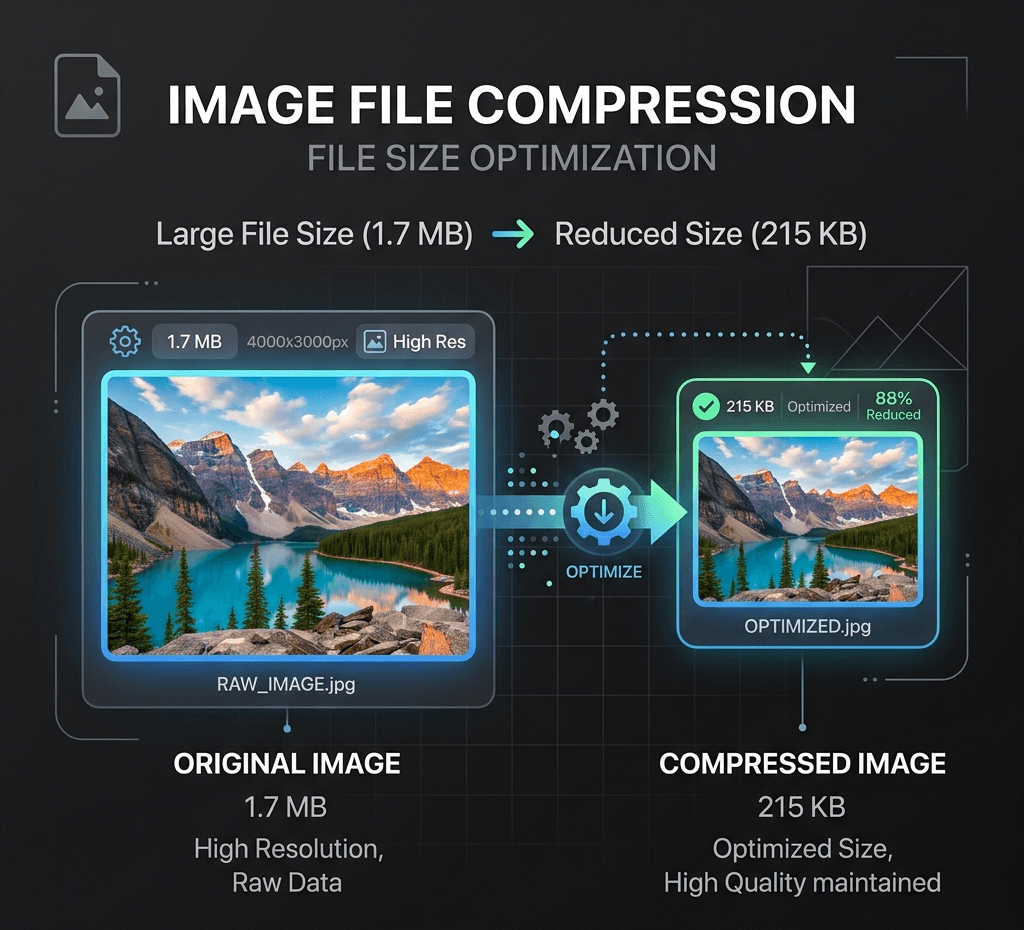
Уменьшите размер файла локально, сохранив высокое качество изображения.
Утилита локального изображения
Изображения обрабатываются локально в этом браузере и по умолчанию не передаются в Product API.
Нет загрузкиНет кредитовТолько браузер
Выходной формат
Сжатие для загрузки в интернет
Выберите или перетащите изображение для обработки и предварительного просмотра его локально в этом браузере.
Примеры
Уменьшение файла для маркетплейса

Подготовка изображения для отправки
Похожие инструменты
AI SuiteИспользуйте связанные инструменты, чтобы продолжить работу с изображением:
Частые вопросы
Is this image compressor really free?
Yes. It's completely free to use with no watermarks, no sign-up, and no daily limits. Compress as many images as you need, as many times as you want.
Are my images uploaded to a server?
No. Compression happens entirely in your browser, on your device. Your images are never uploaded or stored anywhere, so they stay fully private.
What image formats are supported?
The tool supports common web formats including JPG/JPEG, PNG and WebP.
Will compressing my image reduce its quality?
Сжатие JPG и WebP может предполагать компромисс между качеством и размером файла, но вы управляете его уровнем. При высоких настройках качества разница едва заметна, а размер файла существенно уменьшается. PNG кодируется без потерь, и для него нет ползунка качества. Просмотрите результат перед скачиванием.
Is there a file size or resolution limit?
Локальное сжатие поддерживает файлы до 25 MiB и обрабатывает их на вашем устройстве без загрузки на сервер. Изображения свыше 24 мегапикселей уменьшаются, чтобы уложиться в предел обработки.
Can I compress an image to a specific size, like under 20KB?
Yes. Adjust the compression level to shrink your image below a target size like 20KB, 50KB or 100KB. For precise targets, lowering quality or converting PNG to JPG/WebP usually gets you there fastest.
Is my data safe? What happens to my images after compression?
Your images stay on your device the entire time. Nothing is uploaded, stored, or shared — after you close the page, no copy of your file remains on any server.
Why should I compress images for my website?
Smaller images load faster, which improves PageSpeed/Core Web Vitals, reduces bounce rate, and can help SEO rankings. It also saves bandwidth for your visitors and storage costs for you.