LoadingПерейти к основному содержанию
ТарифыУлучшить тариф
Creator

AI YouTube Thumbnail Concepts

Plan YouTube thumbnail concepts with clear subject framing, no fake platform UI, safe text space, and export-friendly crops.

AI YouTube Thumbnail Concepts preview image
Reviewed examples

Practical examples, status notes, and direct routes into creation tools.

Example media

Reviewed visual examples
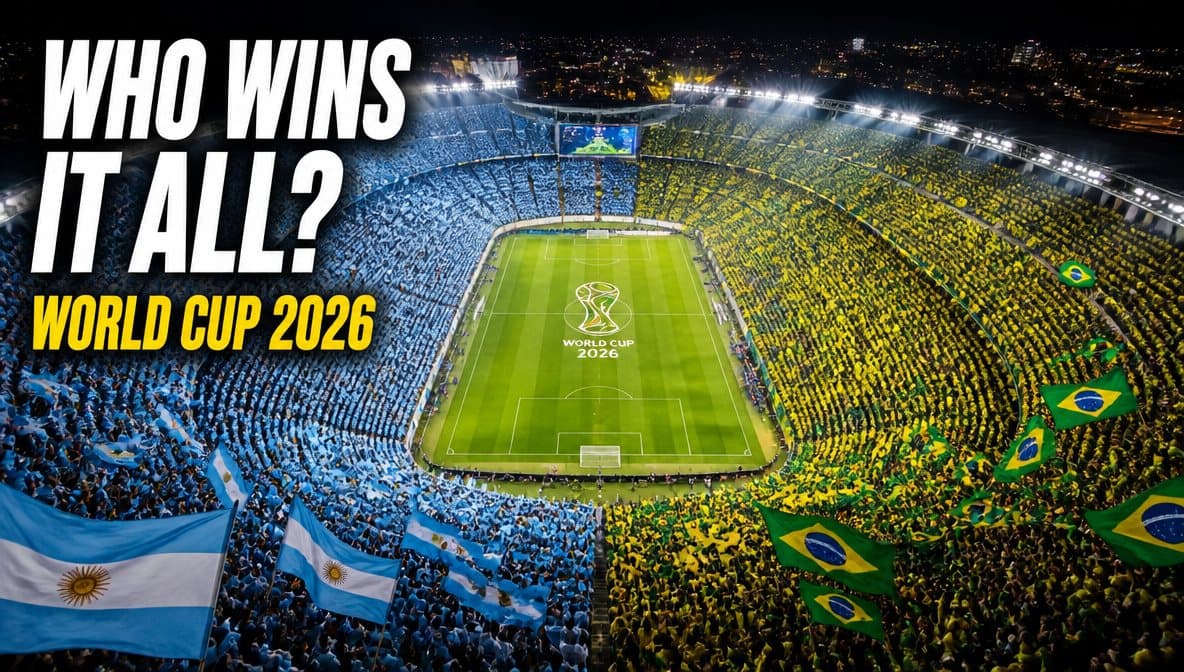
High-energy football thumbnail concept with a clear central action subject
Action-led thumbnailOne readable subject and strong contrast give editors a practical base for adding accurate title text later.
Wide creator channel artwork arranged across desktop and mobile safe areas
Channel-safe wide compositionThe wide layout demonstrates how important subjects can remain visible across responsive channel crops.
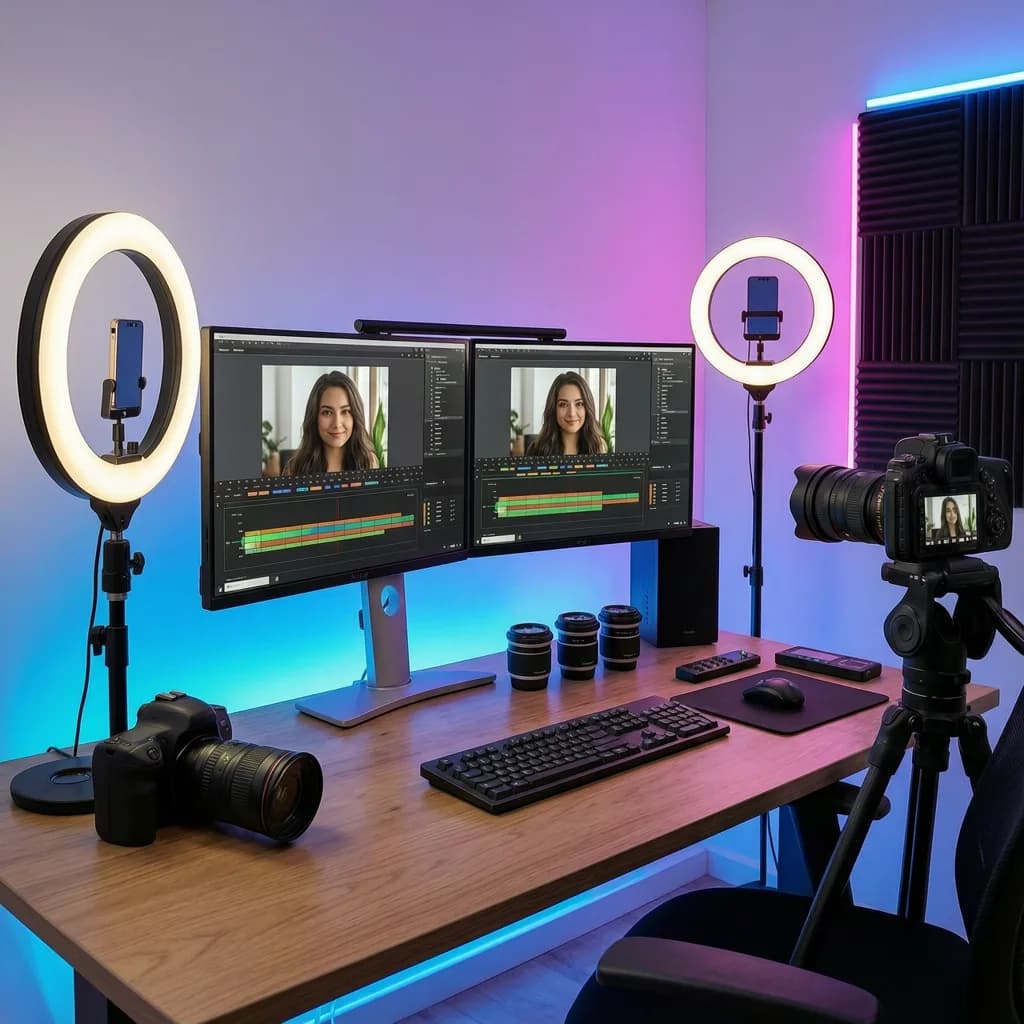
Creator recording a video beside a monitor in a professional studio
Creator studio stillA real production context makes a useful thumbnail source while final claims and typography remain under editor control.

Use-case fit

Thumbnail concepts work best when the prompt separates image generation from final typography and keeps the hook visually simple.

Review boundary

Review claims, likenesses, platform references, and readability before publishing.

  • No fake platform UI.
  • No fake metrics.
  • Manual text and crop review.

Prompt examples

Copy-ready starts

Copy an example, then replace the subject and production details with material you can use.

Creator setup
prompt

A no-text YouTube thumbnail concept with a creator desk, one expressive object, hard studio shadow, clear right-side headline space.

Product review
prompt

A no-text product review thumbnail concept, single product in hand, high contrast paper set, realistic lighting, no fake ratings.

Tutorial hook
prompt

A no-text tutorial thumbnail concept showing a before-and-after creative workflow, clean split composition, scarlet accent divider.

FAQ

Frequently asked questions

Usually no. Generate the visual concept with clean space, then add final text in a design tool for legibility.

Avoid fake platform UI, fake metrics, fake verification marks, and misleading screenshots.

Image Resizer, Image Compressor, Background Remover, and Image Enhancer help prepare thumbnail exports.

PerchanceAI AI Creative Studio

PerchanceAI combines AI image generation, local image utilities, product photo workflows, and image-to-video tools in one creative studio.