
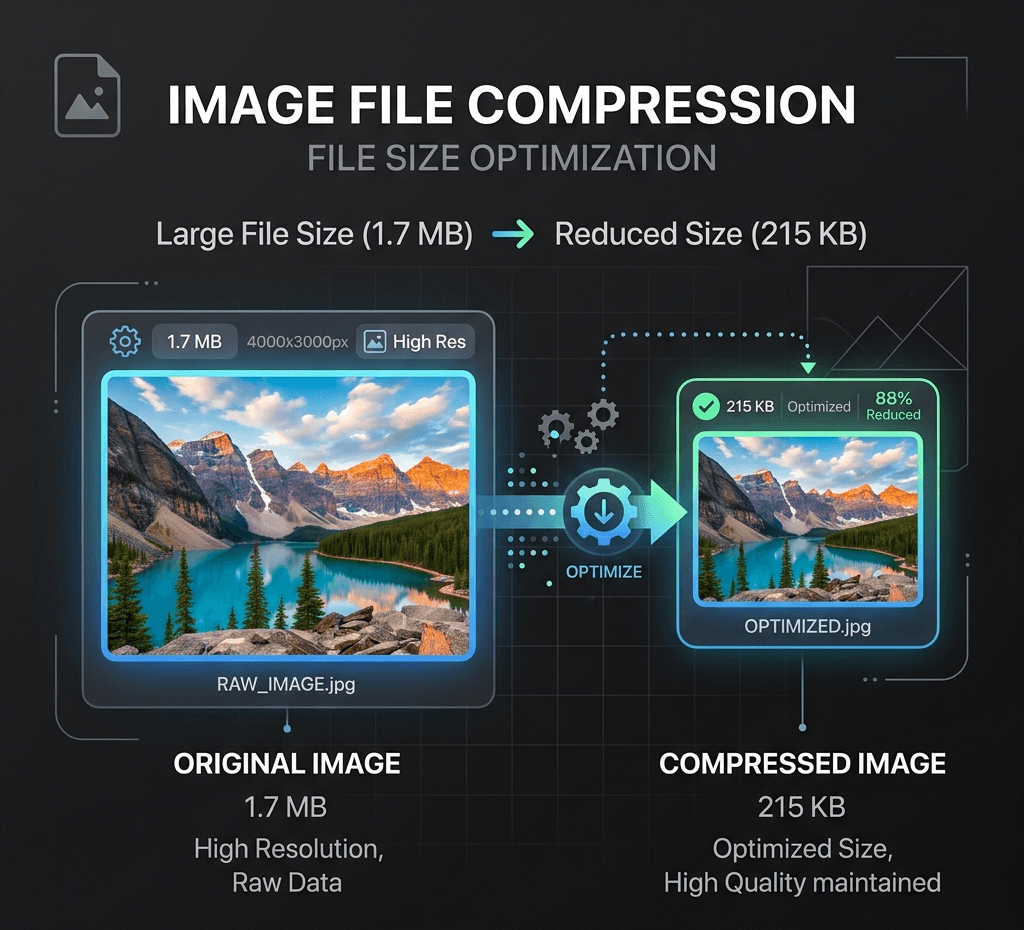
在本地快速压缩并减小图片文件体积,保持卓越画质。
本地图片工具
图片只在此浏览器中通过 Canvas 处理,默认不会上传到 Product API。
无需上传不消耗积分仅浏览器
输出格式
网页上传压缩
选择或拖入图片,在此浏览器中进行本地处理与预览。
使用示例

常见问题
Is this image compressor really free?
Yes. It's completely free to use with no watermarks, no sign-up, and no daily limits. Compress as many images as you need, as many times as you want.
Are my images uploaded to a server?
No. Compression happens entirely in your browser, on your device. Your images are never uploaded or stored anywhere, so they stay fully private.
What image formats are supported?
The tool supports common web formats including JPG/JPEG, PNG and WebP.
Will compressing my image reduce its quality?
JPG 和 WebP 压缩可能需要在画质上作出取舍,但您可以控制压缩程度。使用高画质设置时,文件大小会显著缩小,而画质差异几乎看不出来。PNG 输出采用无损编码,没有画质滑块。下载前请预览结果。
Is there a file size or resolution limit?
本地压缩支持最大 25 MiB 的文件,在你的设备上处理,无需上传。超过 2400 万像素的图片会缩小,以符合处理限制。
Can I compress an image to a specific size, like under 20KB?
Yes. Adjust the compression level to shrink your image below a target size like 20KB, 50KB or 100KB. For precise targets, lowering quality or converting PNG to JPG/WebP usually gets you there fastest.
Is my data safe? What happens to my images after compression?
Your images stay on your device the entire time. Nothing is uploaded, stored, or shared — after you close the page, no copy of your file remains on any server.
Why should I compress images for my website?
Smaller images load faster, which improves PageSpeed/Core Web Vitals, reduces bounce rate, and can help SEO rankings. It also saves bandwidth for your visitors and storage costs for you.