
Free AI Canvas: Image, Video & Audio Creative Workspace
Generate, edit, and arrange images, videos, and audio on one infinite canvas. Outpaint, inpaint, and connect multi-modal AI pipelines directly in your browser—no installation, cloud GPU-powered.
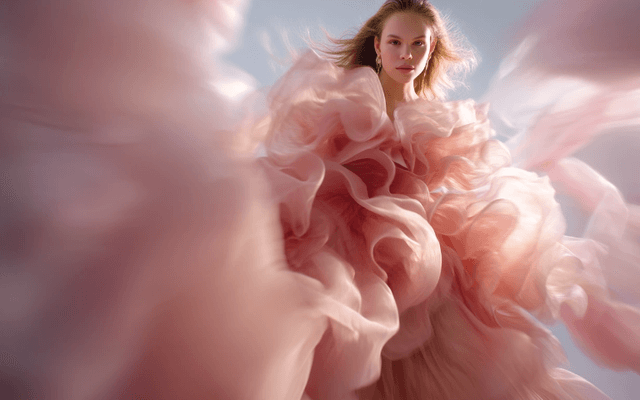
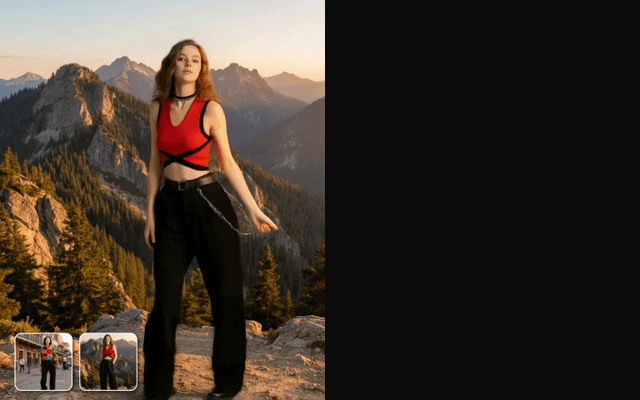
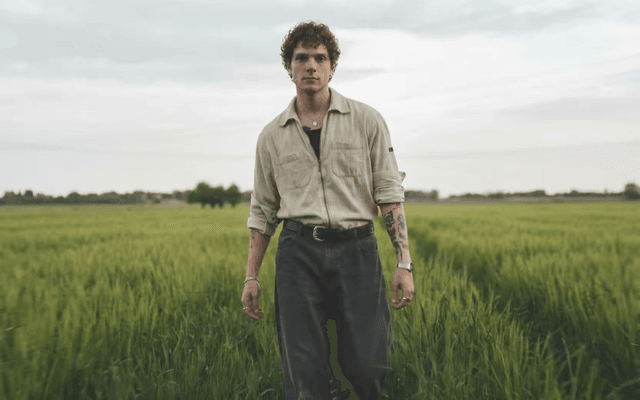
One Infinite Workspace for Images, Videos & Audio
From quick generation to multi-step creative pipelines, PerchanceAI Canvas unites every generative tool on one boundless visual workspace.
Design, Edit & Refine Images on the Canvas
Generate high-resolution concepts, inpaint fine details, and outpaint panoramic frames with seamless generative expansion.
Create & Compose AI Videos on the Same Canvas
Turn generated images into cinematic video clips, control motion trajectories, and animate characters in a single workflow.
Add Sound & Voice to Your Creative Projects
Synthesize high-fidelity voiceovers and ambient soundtracks, synchronizing audio tracks directly alongside image and video nodes.
Connect It All with Multi-Step Creative Pipelines
Link text, image, video, and audio nodes with intuitive drag-and-drop connectors. Automate batch creations with zero local setup.
Production-Ready Workflow Templates
Start instantly with modular graph templates designed for storytelling, game design, e-commerce, and digital marketing.
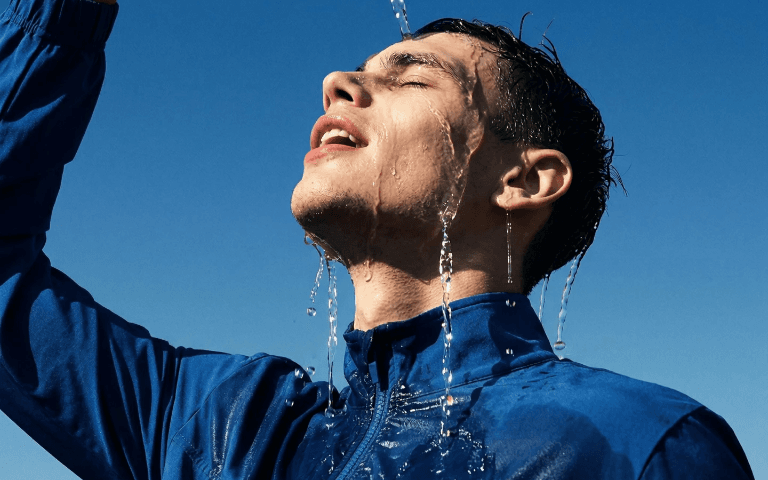
Storyboard to 4K Cinematic Video
Chain text-to-image concept frames into motion-controlled video clips with matching ambient soundscapes.

E-Commerce Product Model & Outpainting
Isolate studio product photos, inpaint clean backgrounds, and outpaint panoramic lifestyle banner visuals.
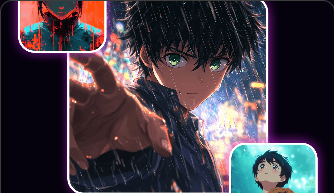
Character Portrait with TTS Voiceover
Generate consistent character keyframes, attach dynamic speech synthesizers, and animate speech motion.
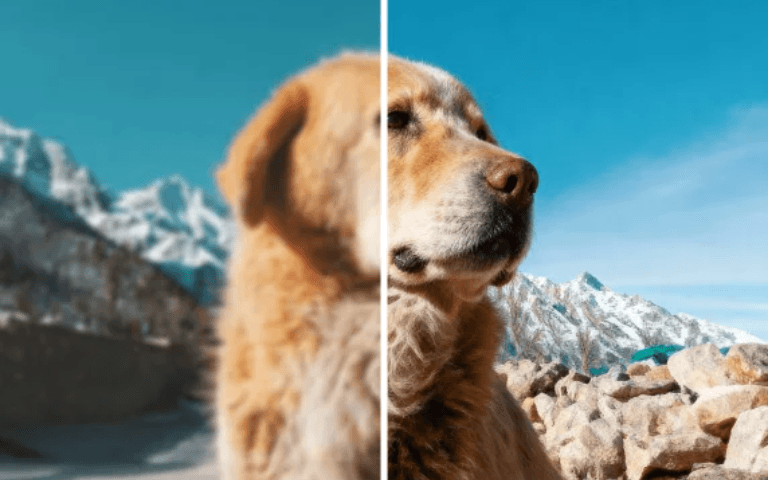
Multi-Model Style Mixer & Upscaling
Pass base generations through creative refiners, color palettes, and 4x generative super-resolution nodes.
The Modern Cloud Canvas vs Traditional Approaches
Compare the speed, versatility, and ease of our web-native visual canvas against local node editors and single-prompt generators.
| Dimension | PerchanceAI Canvas | Local ComfyUI | Single-Prompt Tools |
|---|---|---|---|
| Setup & Requirements | Zero install, runs in any browser | Heavy Python setup & CUDA drivers | Web-based but isolated |
| Canvas & Layout | Infinite spatial board + node graph | Graph-only (no spatial artboard) | Single fixed input box |
| Modality Support | Unified Image + Video + Audio | Complex multi-plugin configuration | Single modality only |
| Inpaint / Outpaint | Built-in visual brush & bounding box | Separate mask loader node chains | Separate standalone tool |
| Cloud Hardware | 100% Cloud GPU acceleration | Dependent on local GPU VRAM | Standard cloud queue |
Everything You Need to Know About PerchanceAI Canvas
What is PerchanceAI Canvas and how does it work?
PerchanceAI Canvas is a free, infinite web-based creative workspace that unites generative image, video, and audio synthesis on a single spatial artboard. You can create standalone assets, use precision inpainting and outpainting brushes, or connect multi-step AI pipelines to automate your production.
Do I need a powerful GPU or Python environment to use the canvas?
No. Everything runs 100% on high-performance cloud GPUs directly inside your browser (Chrome, Safari, Edge, Firefox). There are no Python dependencies, CUDA installations, or VRAM restrictions.
How does inpainting and outpainting work on the canvas?
Simply select any image on your canvas, activate the brush tool to paint over areas you wish to modify (inpainting), or drag the bounding box handles outwards to generate expanded scenery in any custom aspect ratio (outpainting).
Can I connect image generation nodes directly to video and audio models?
Yes. The canvas supports multimodal visual pipelines. You can link the visual output of an image generation node directly into a video motion node, and attach an audio voiceover node to create complete audiovisual media in one workspace.
Is PerchanceAI Canvas free to use?
You can launch Canvas, explore workflow templates, and create and edit local projects without signing in. Sign in to save projects to your account or use AI generation.
Experience the Future of AI Multimodal Canvas
Join thousands of designers, filmmakers, and digital artists building next-generation creative workflows with zero friction.