
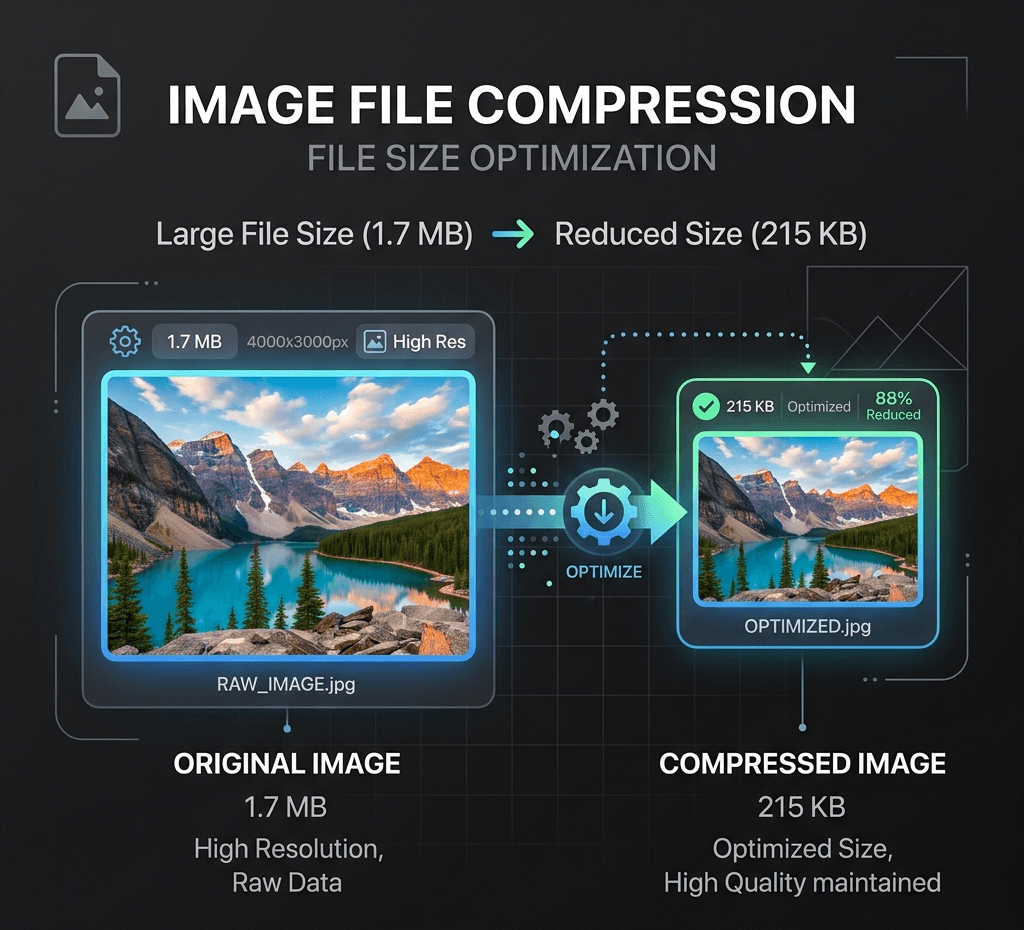
Compress JPG, PNG & WebP images locally in your browser — no upload, no server, 100% private. Free online image compressor to reduce file size fast.
Local image utility
Images are processed with Canvas in this browser and are not uploaded to the Product API by default.
No uploadNo creditsBrowser only
Output format
Compress for web upload
Choose or drop an image to process and preview it locally in this browser.
Examples
Reduce marketplace image size

Prepare a shareable image
Related tools
AI SuiteExplore more related image tools to continue your creative workflow:
FAQ
Is this image compressor really free?
Yes. It's completely free to use with no watermarks, no sign-up, and no daily limits. Compress as many images as you need, as many times as you want.
Are my images uploaded to a server?
No. Compression happens entirely in your browser, on your device. Your images are never uploaded or stored anywhere, so they stay fully private.
What image formats are supported?
The tool supports common web formats including JPG/JPEG, PNG and WebP.
Will compressing my image reduce its quality?
JPG and WebP compression can involve a quality trade-off, but you control the level. At high quality settings, the difference is barely visible while the file size drops significantly. PNG output uses lossless encoding and has no quality slider. Preview the result before downloading.
Is there a file size or resolution limit?
Local compression accepts files up to 25 MiB and processes them on your device without uploading. Images above 24 megapixels are scaled down to fit the processing limit.
Can I compress an image to a specific size, like under 20KB?
Yes. Adjust the compression level to shrink your image below a target size like 20KB, 50KB or 100KB. For precise targets, lowering quality or converting PNG to JPG/WebP usually gets you there fastest.
Is my data safe? What happens to my images after compression?
Your images stay on your device the entire time. Nothing is uploaded, stored, or shared — after you close the page, no copy of your file remains on any server.
Why should I compress images for my website?
Smaller images load faster, which improves PageSpeed/Core Web Vitals, reduces bounce rate, and can help SEO rankings. It also saves bandwidth for your visitors and storage costs for you.