
Free Photo to Cartoon AI Generator
Turn your photos into cartoons online with our free AI cartoon generator. Choose anime, 3D, sketch, or caricature styles—no sign-up, no watermark, no download.
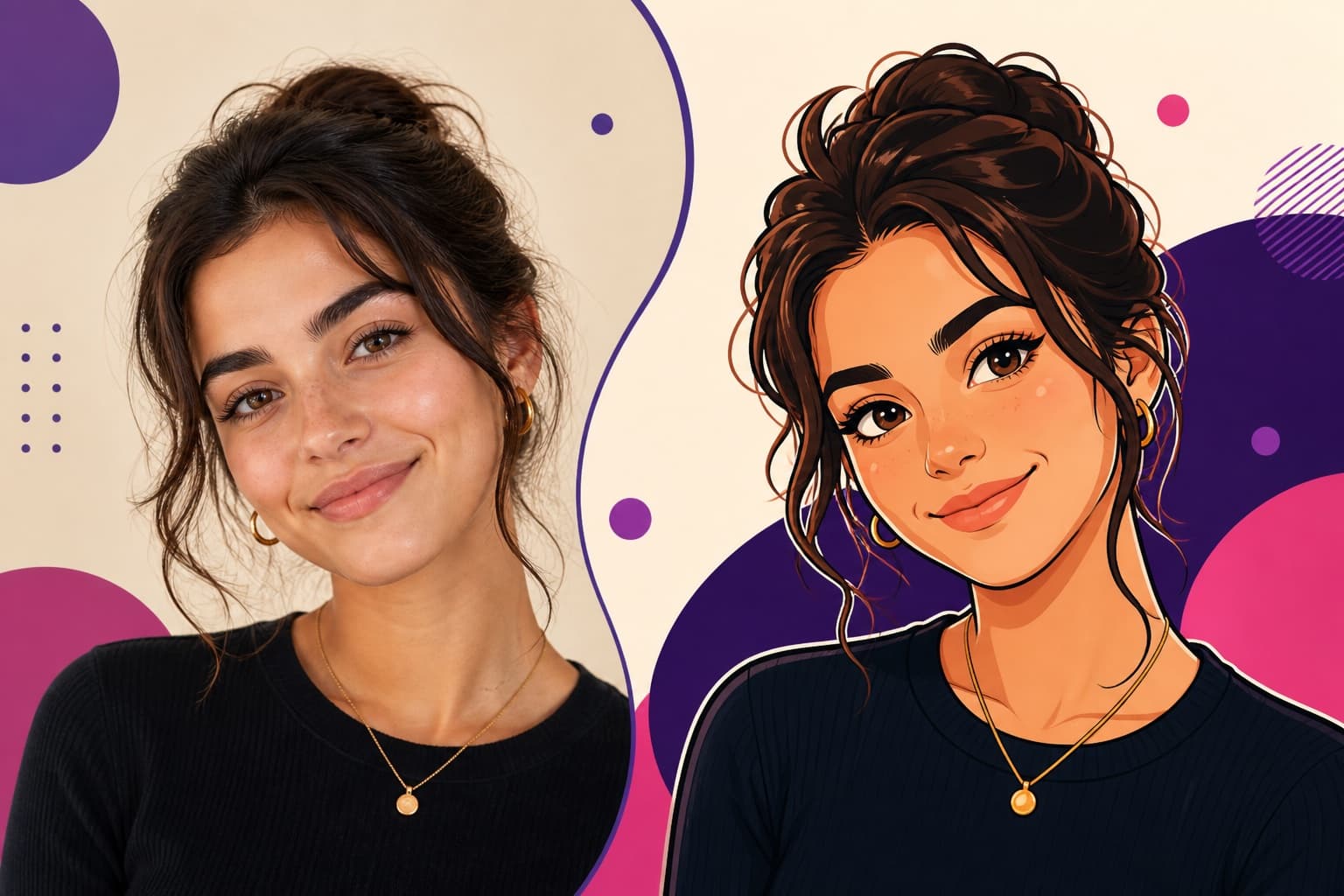
Three simple steps
How to Turn a Photo into a Cartoon
Upload once, choose a style, and generate online with no editing software to install.
Upload your photo
Choose a clear portrait, pet photo, family picture, or everyday scene. The generator keeps your reference image inside the existing creation workflow.
Choose a cartoon style
Select anime, 3D cartoon, sketch, or caricature. You can edit the prompt before generating if you want a more specific finish.
Generate your cartoon
Create the result online, review it in the history directly below the generator, and save the watermark-free image when it is ready.
Multiple cartoon looks
Choose the Right Cartoon Style for Your Photo
Keep the same source photo and switch styles to explore a different visual direction without learning illustration software.
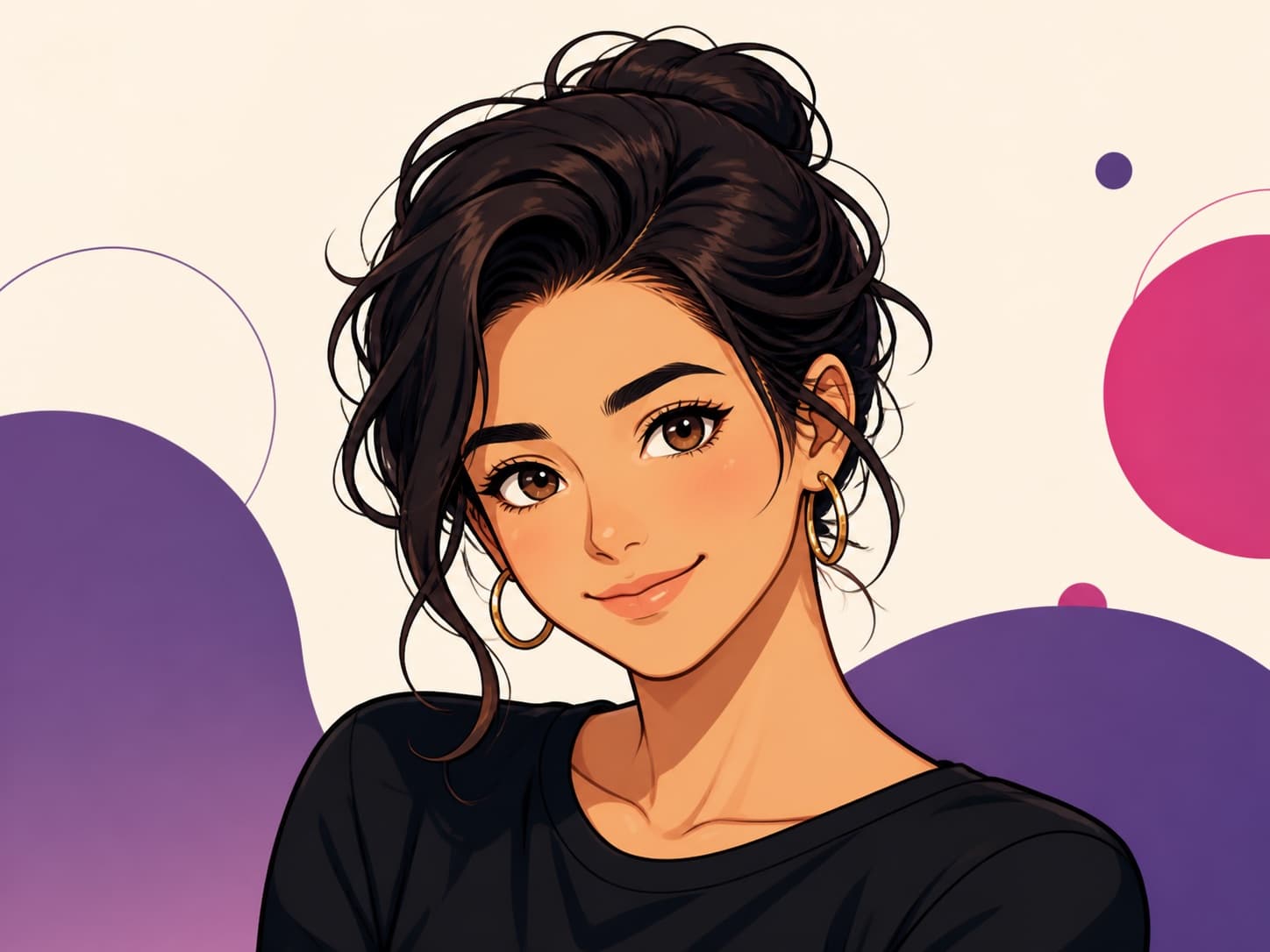
Anime Style
Use crisp linework, expressive features, and cel shading for avatars, profile pictures, and character concepts.
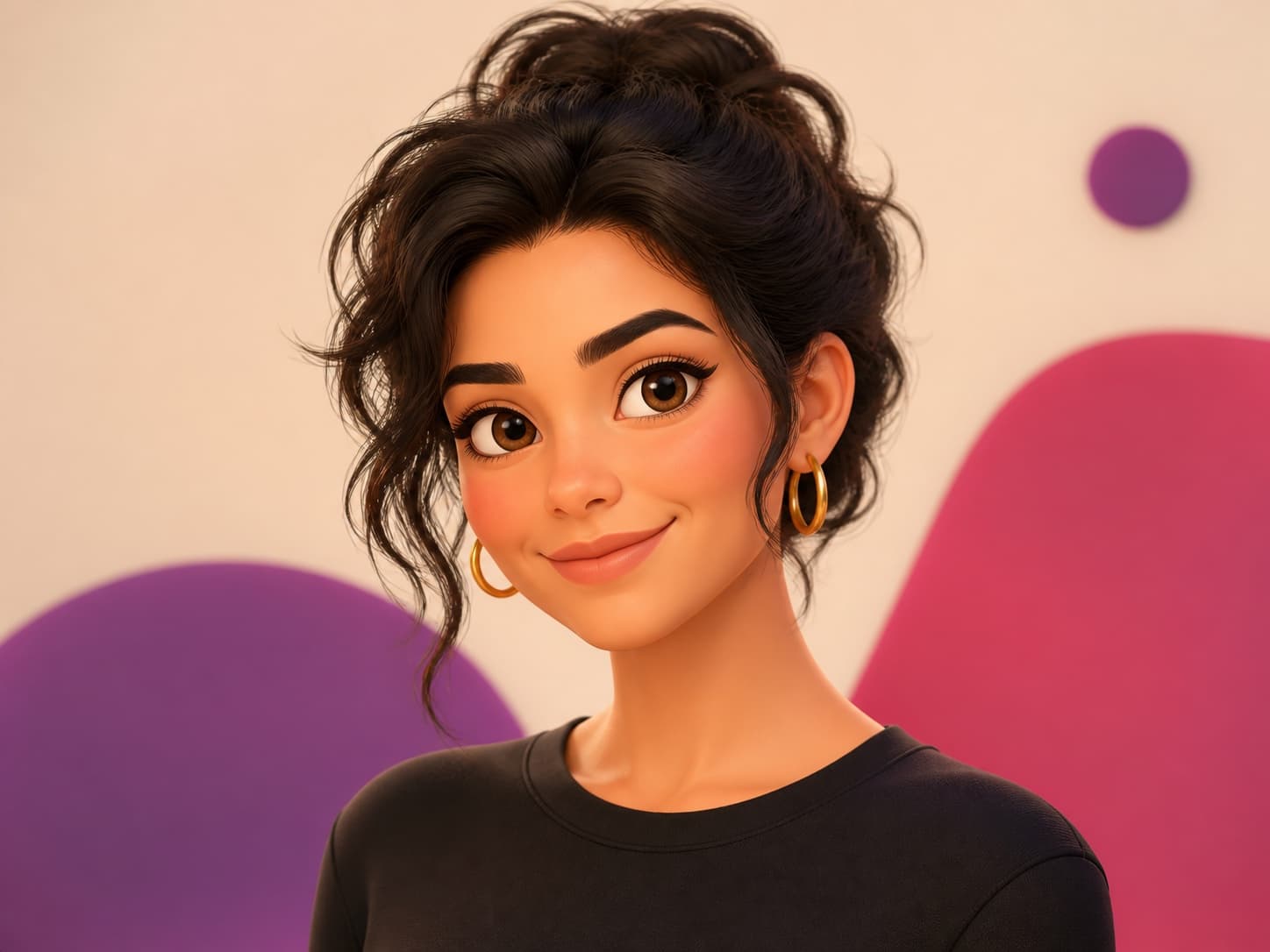
3D Cartoon
Create a dimensional animated-character look with soft lighting, smooth materials, and recognizable facial features.
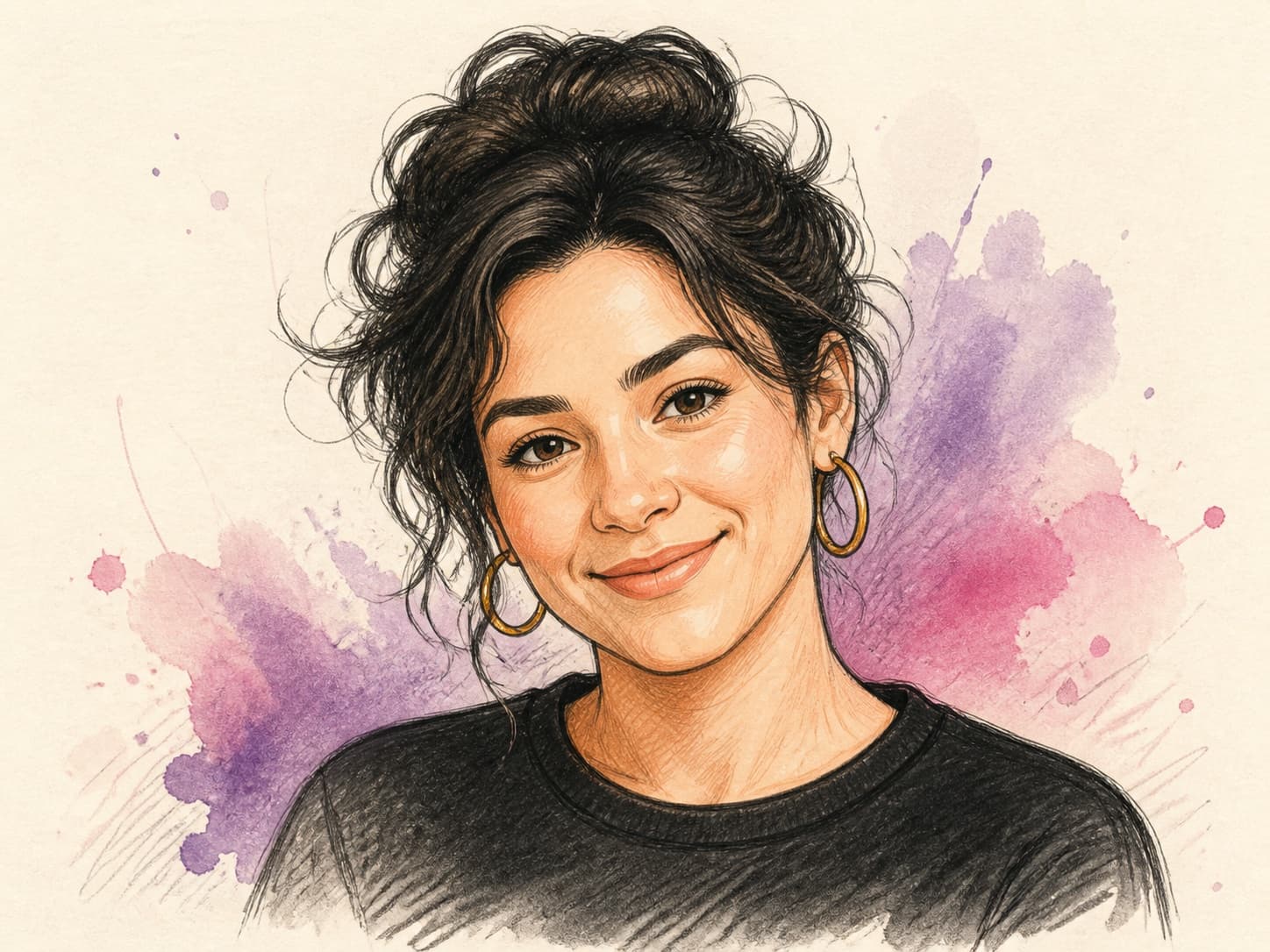
Sketch Cartoon
Turn the photo into clean hand-drawn artwork with confident lines and subtle pencil or ink shading.
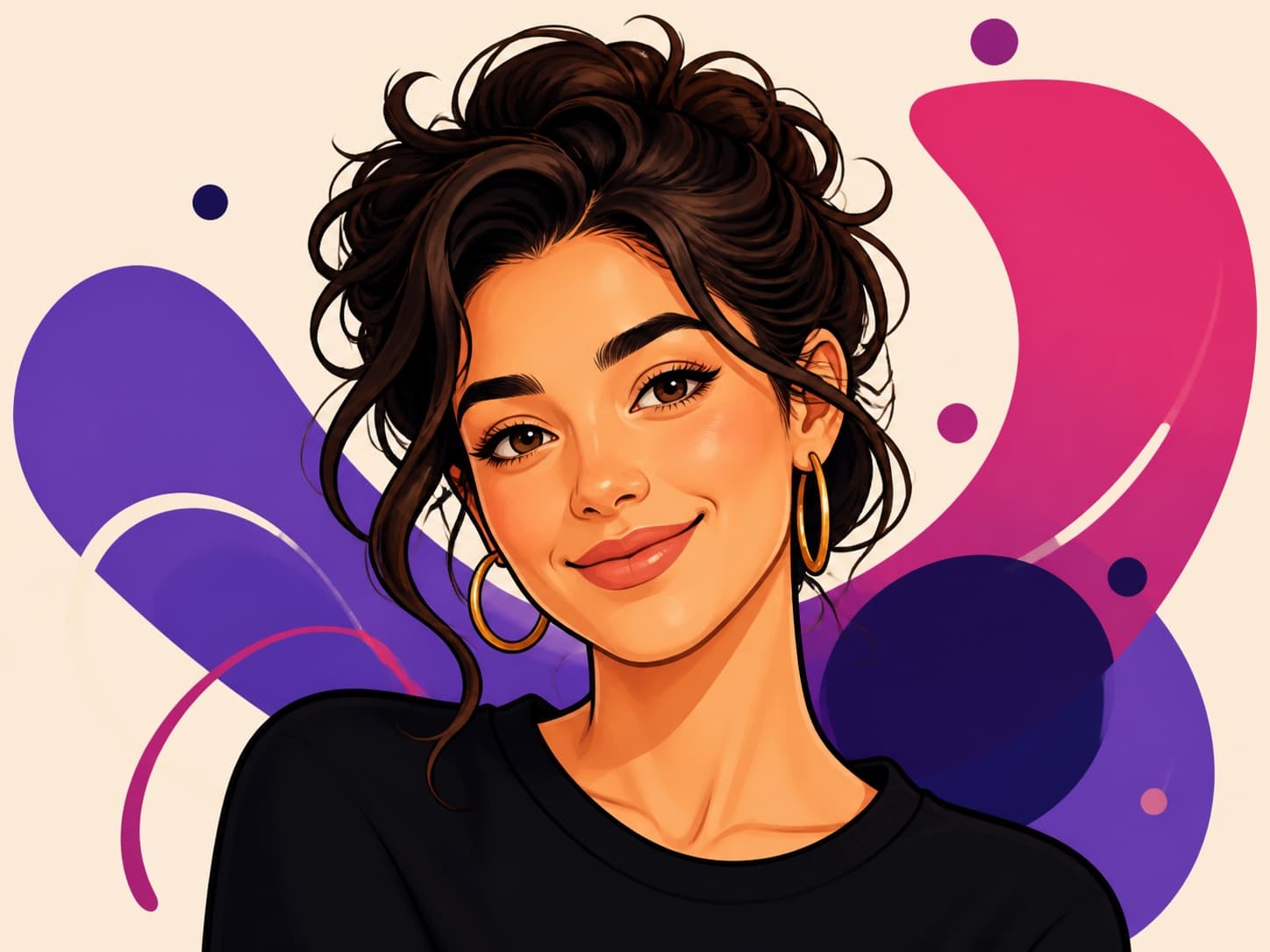
Caricature
Add playful proportions and bold outlines while keeping the person, pet, or scene easy to recognize.
Ready-to-use ideas
Photo to Cartoon Prompt Examples
Start with a focused style prompt, then adjust one visible detail at a time.
Anime Profile Picture
Anime-style profile portrait from the uploaded photo, preserve identity, clean line art, expressive eyes, soft cel shading, simple background
3D Family Cartoon
3D cartoon family portrait from the uploaded photo, preserve every person's recognizable features, warm lighting, polished animated-film look
Pet Sketch
Hand-drawn cartoon sketch of the pet in the uploaded photo, preserve markings and expression, confident pencil lines, light paper texture
Colorful Caricature
Friendly colorful caricature from the uploaded photo, preserve identity, playful proportions, bold outlines, clean editorial illustration
Better source, better result
Tips for a Recognizable Cartoon Result
A simple, well-lit reference helps the AI preserve the details that matter.
- Use a sharp photo with the face, pet, or main subject clearly visible.
- Avoid heavy blur, extreme shadows, and important details cropped out of frame.
- Choose one style first, then refine colors, background, or linework in the prompt.
- For group photos, mention that every person's recognizable features should be preserved.
Create without friction
Free, No Sign-Up, No Watermark
Start turning photos into cartoons online without installing an editor or creating an account for the guest-capable workflow.
Your generated cartoon is delivered without a branded watermark, and the history stays directly beneath the generator so you can review recent results in one place.
Frequently asked questions
Photo to Cartoon AI Generator FAQ
Is the photo to cartoon AI generator free?
Yes. You can start with the free guest-capable generation flow shown above. Available models and generation limits are displayed in the workspace.
Can I turn a photo into a cartoon without signing up?
Yes. The supported guest workflow lets you upload a photo and generate without creating an account. Signing in is only needed when the workspace asks for account-only models, extra generations, or saved account features.
Will the generated cartoon have a watermark?
No branded watermark is added to the generated image, so you can use the finished result without removing a logo overlay.
Which cartoon styles can I choose?
The page includes anime, 3D cartoon, sketch, and caricature presets. You can also edit the prompt to describe another illustrated look.
Do I need to download an app?
No. The generator runs online in your browser, so there is no editing software or mobile app to install.
What photos work best?
Clear portraits, selfies, pet photos, family pictures, and well-lit everyday scenes work best. Keep the important subject visible and avoid heavy blur.