LoadingSkip to main content
PricingUpgrade

AI Clothes Changer

More Image Tools

Person

or a Person ImagePNG, JPG, JPEG, WebP (max 20MB)

Clothes

or Clothes ImagesPNG, JPG, JPEG, WebP (max 20MB)
Model

AI Clothes Changer — Try New Outfits on Your Photo

Upload a photo of yourself and swap your outfit in seconds. Change into any style—casual, formal, sporty, or seasonal—no app download, works right in your browser.

Try Your Clothes on Virtual Models Instantly

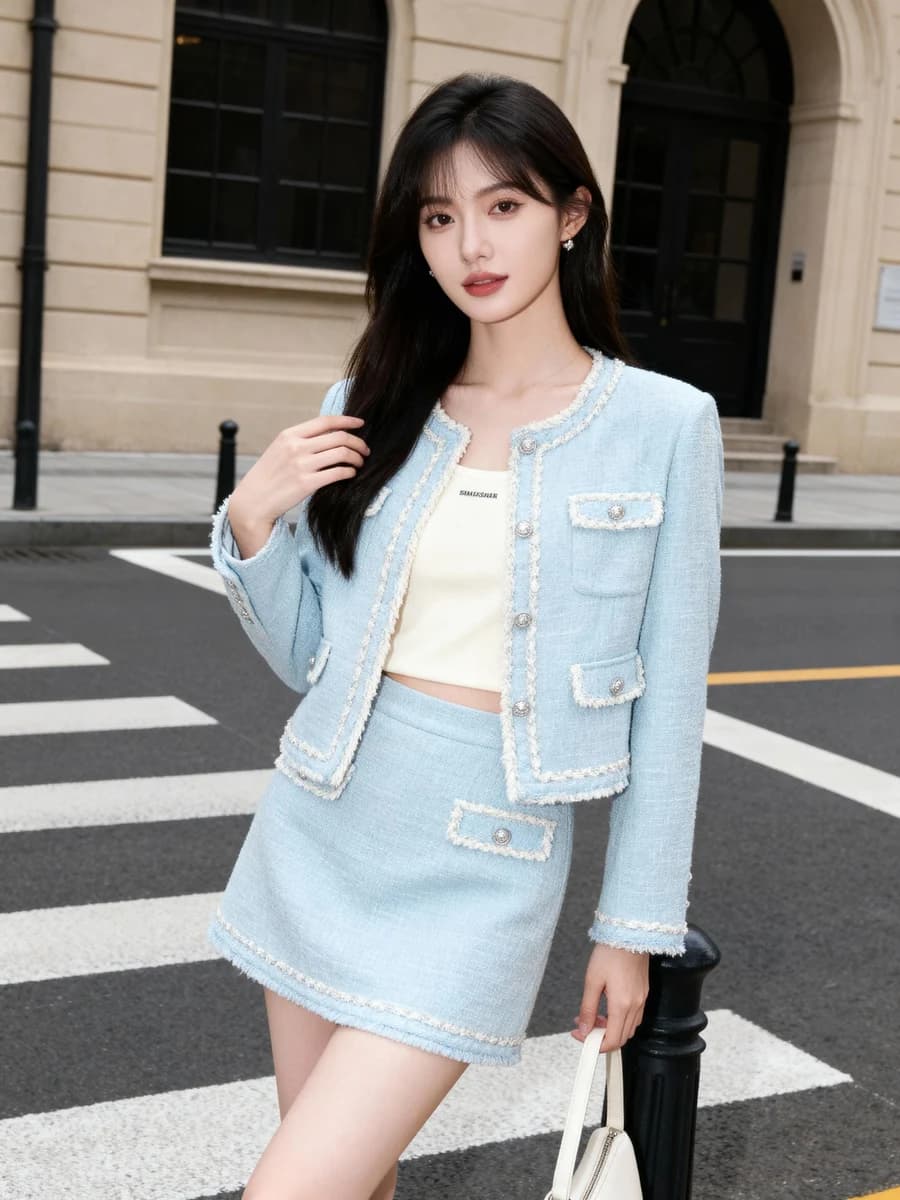
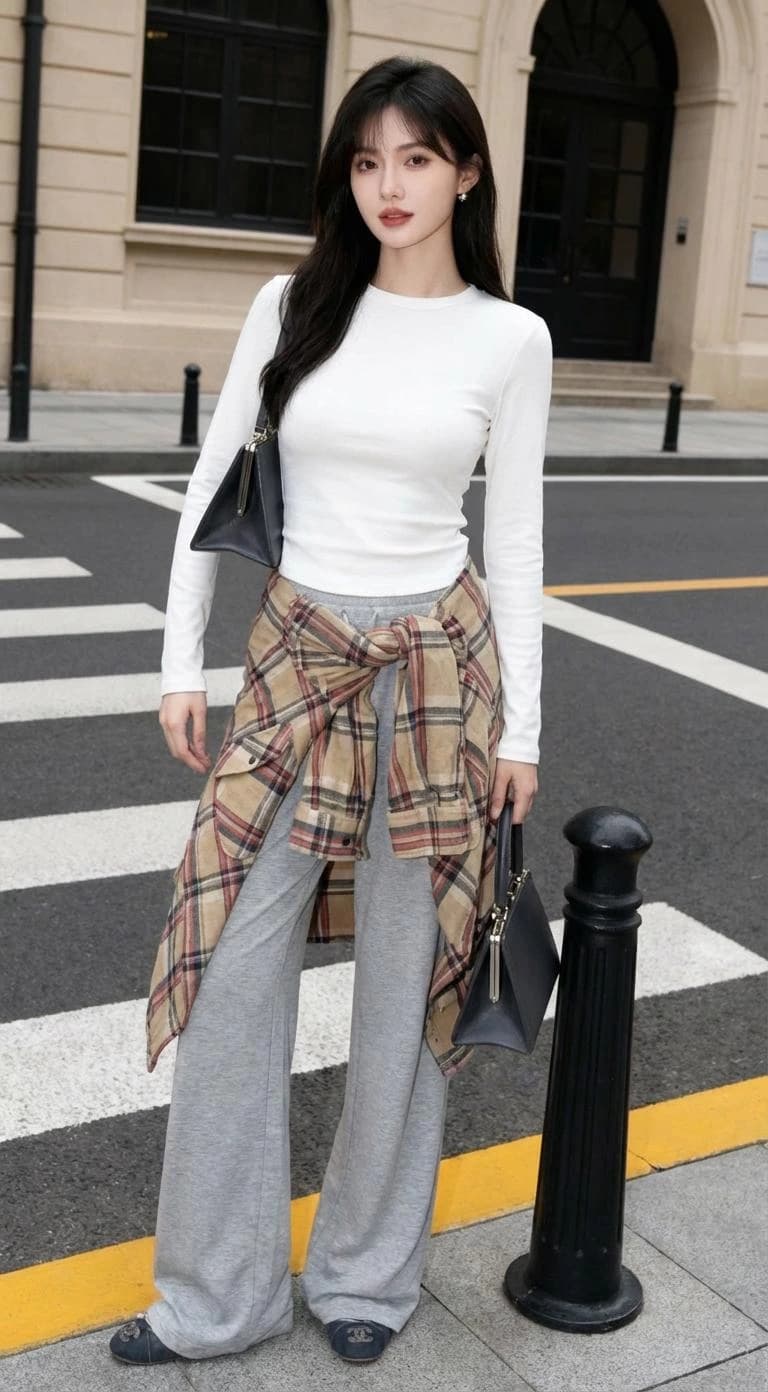
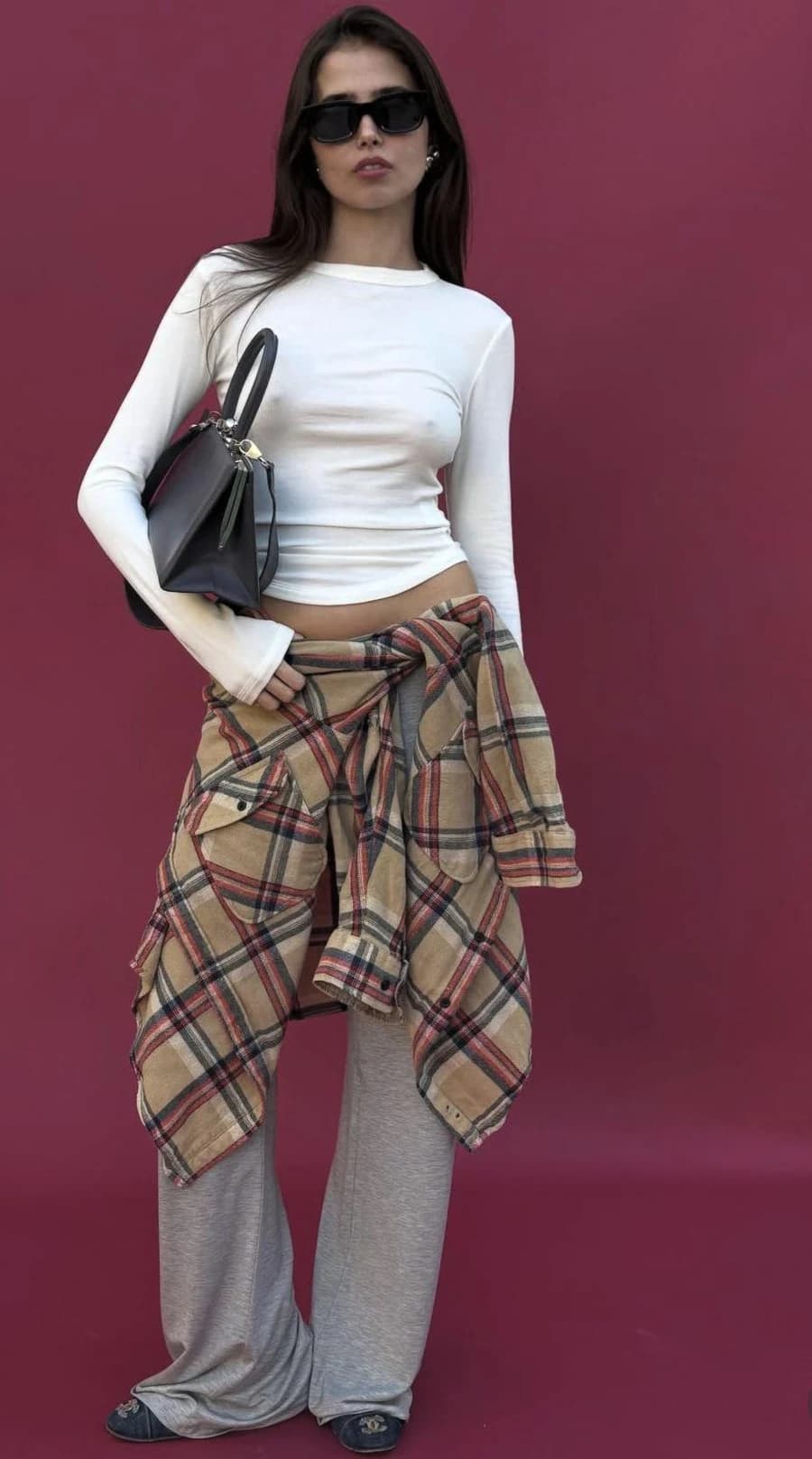
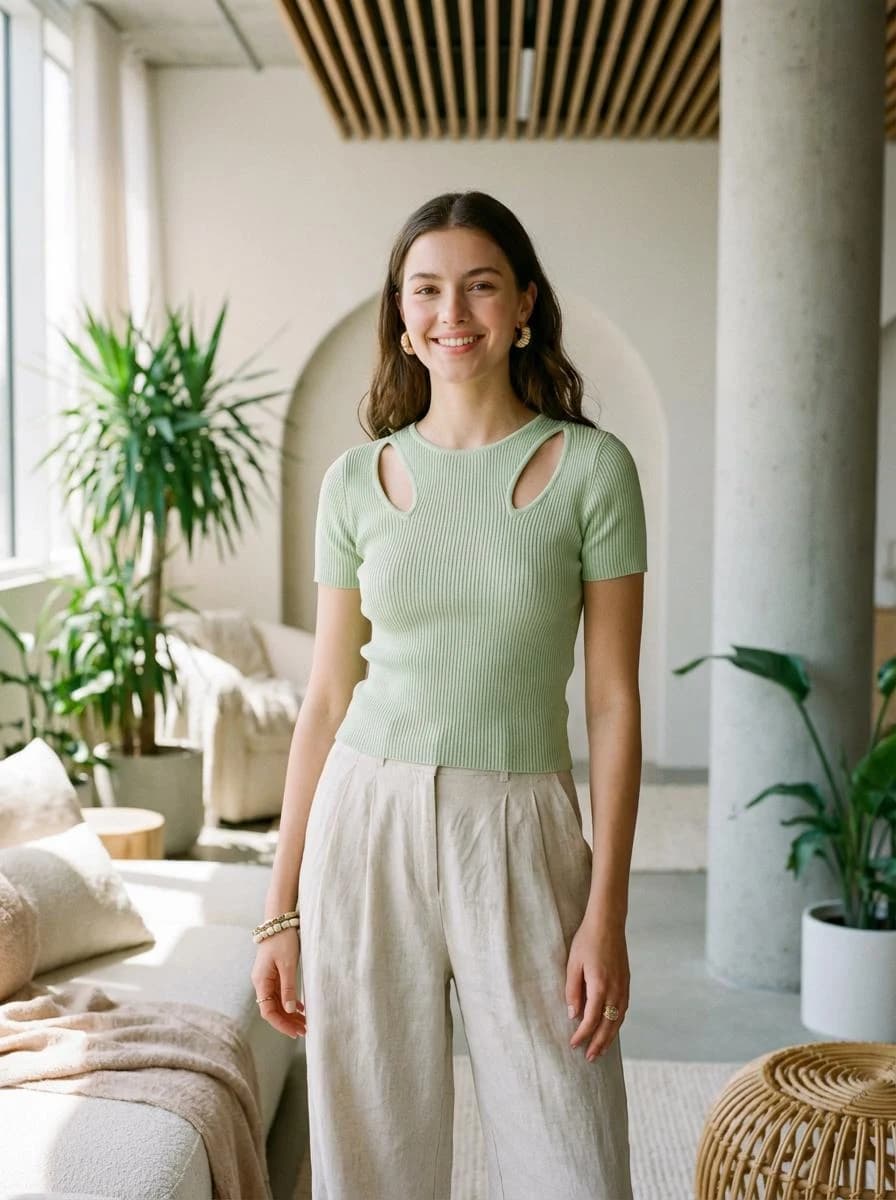
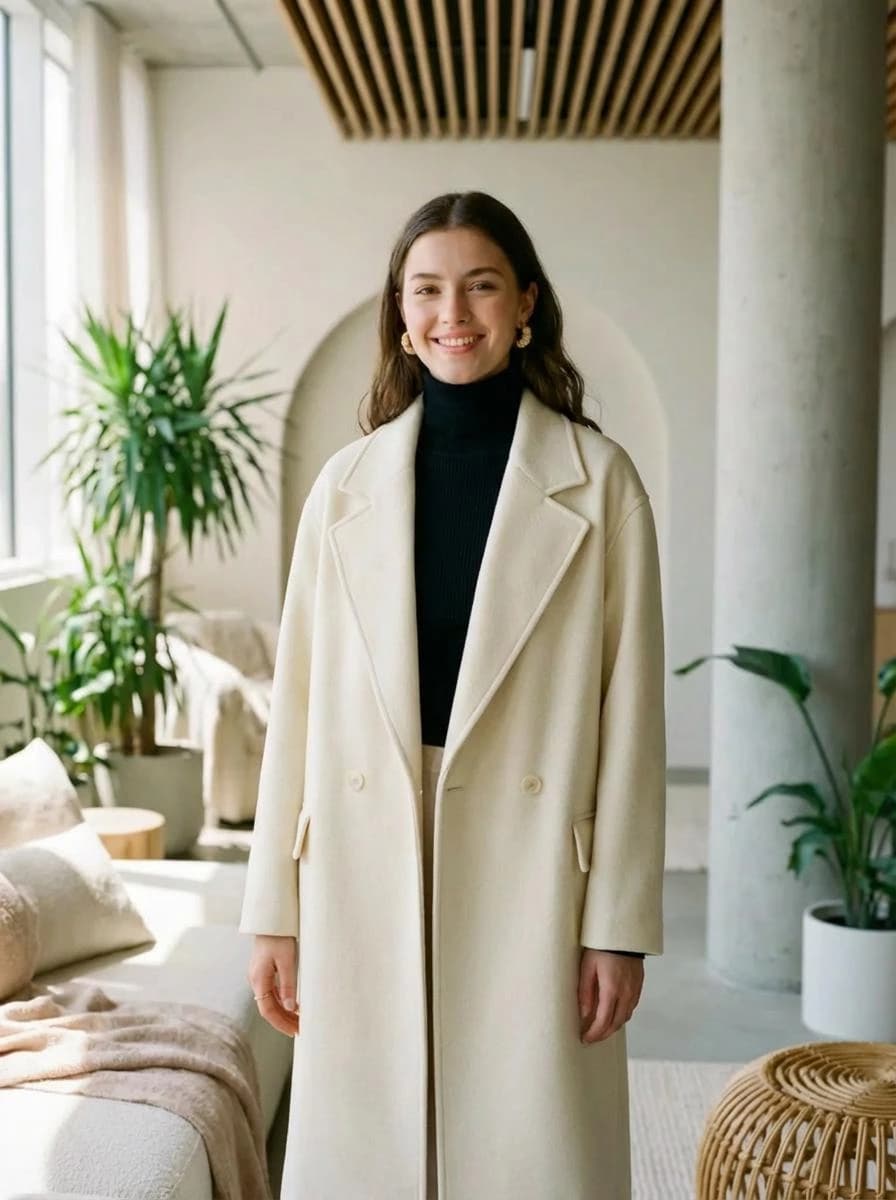
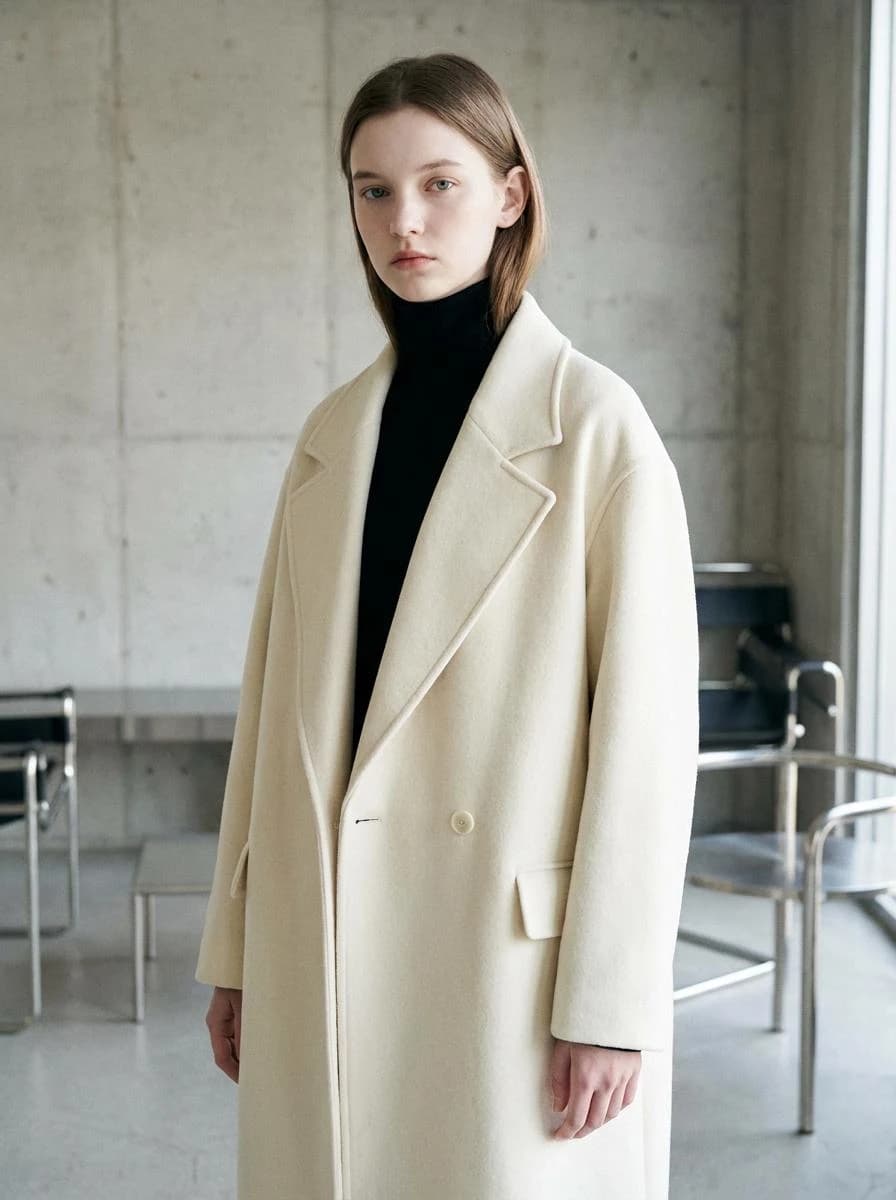
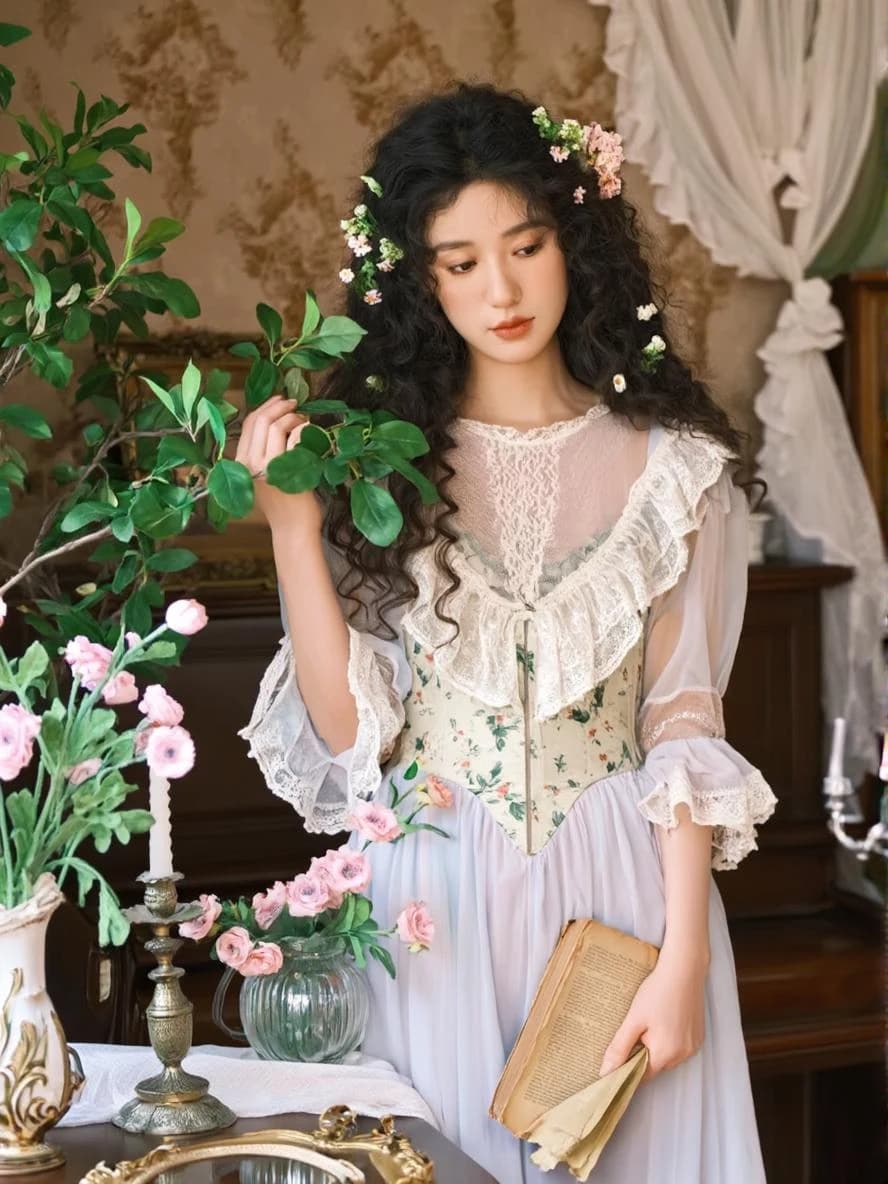
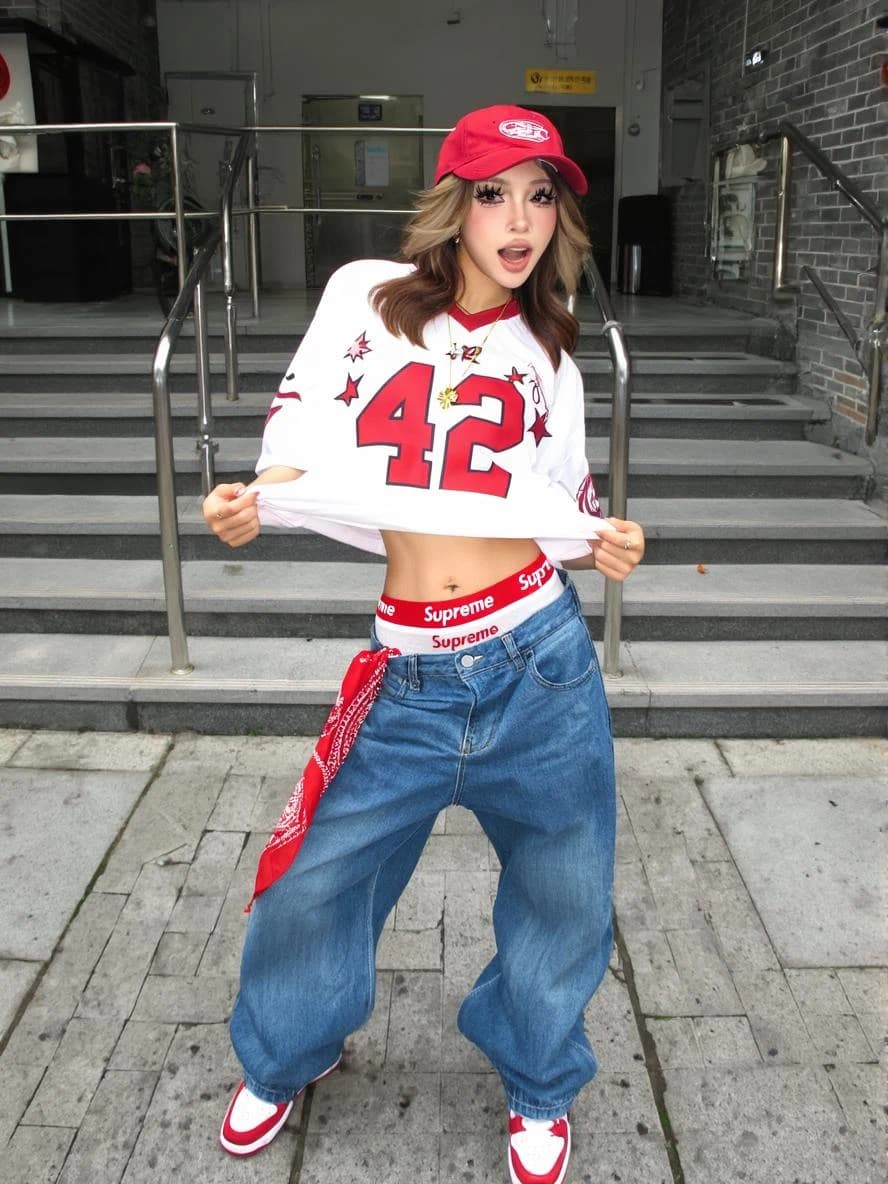
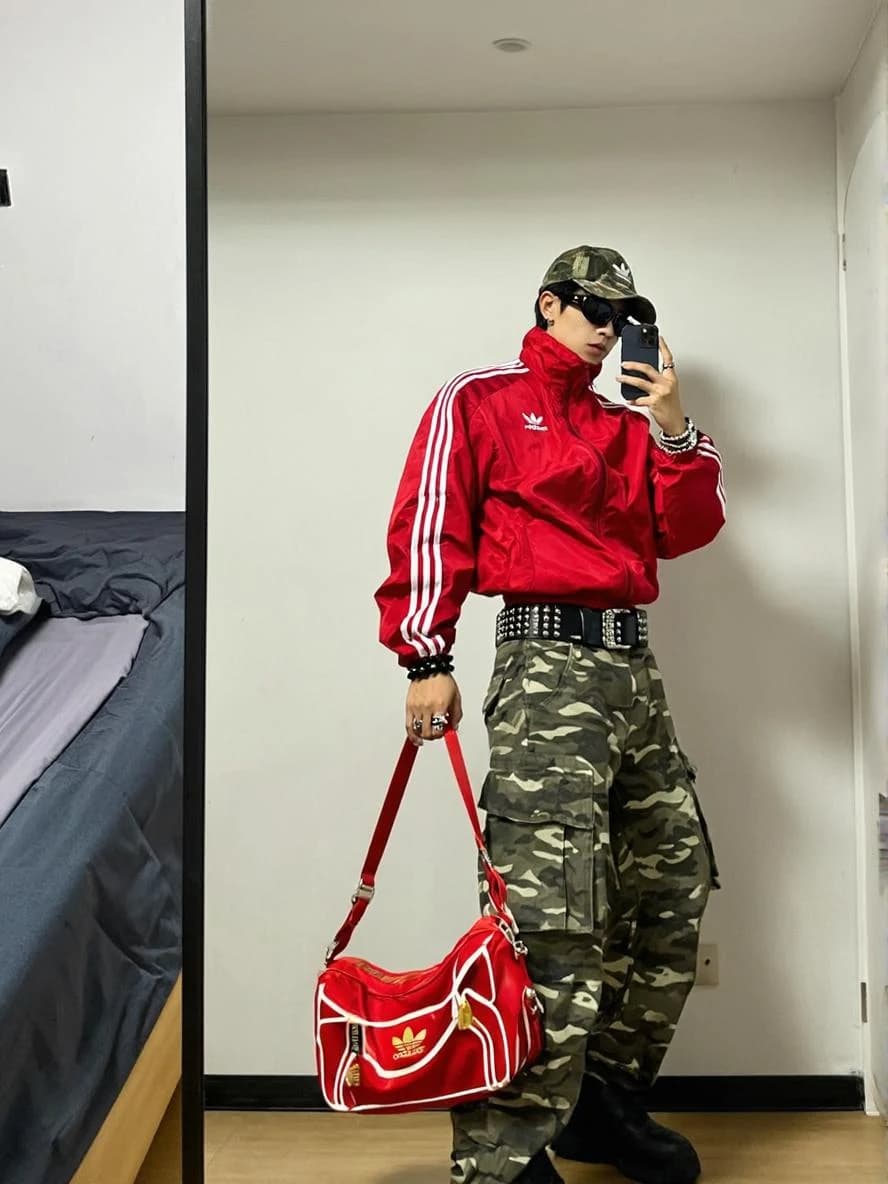
Simply upload clear images of your clothing items and select a virtual model from our diverse gallery. Our AI technology will seamlessly fit your garments onto the chosen model, creating photorealistic images that showcase your designs in action.

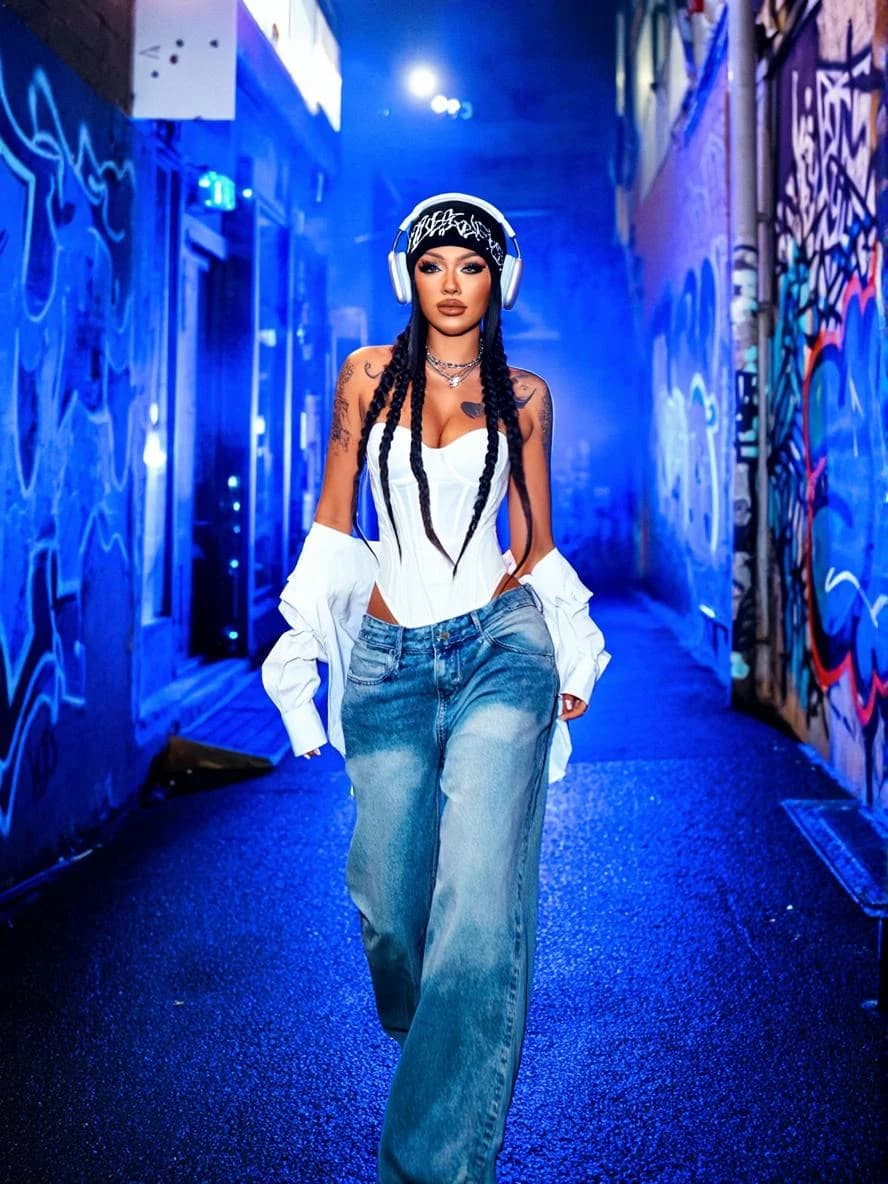
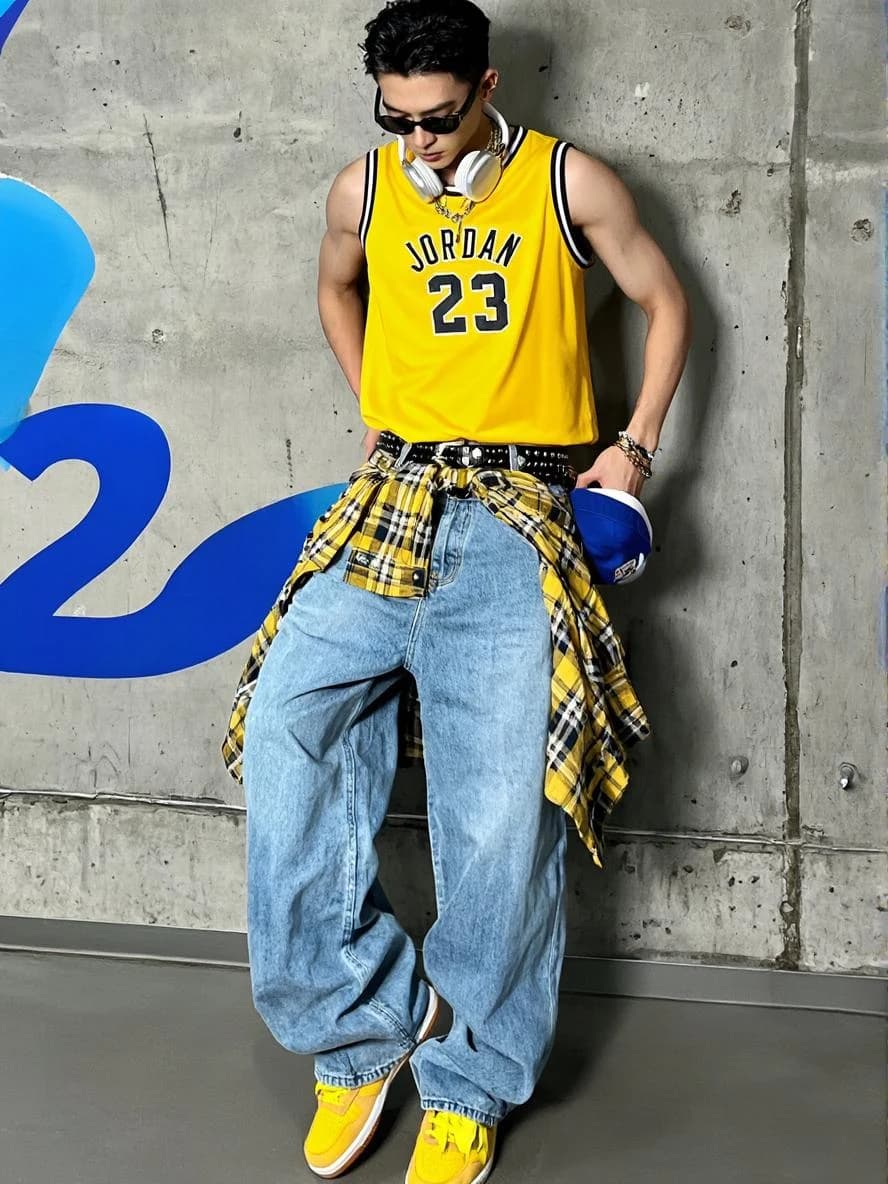
BeforeBefore
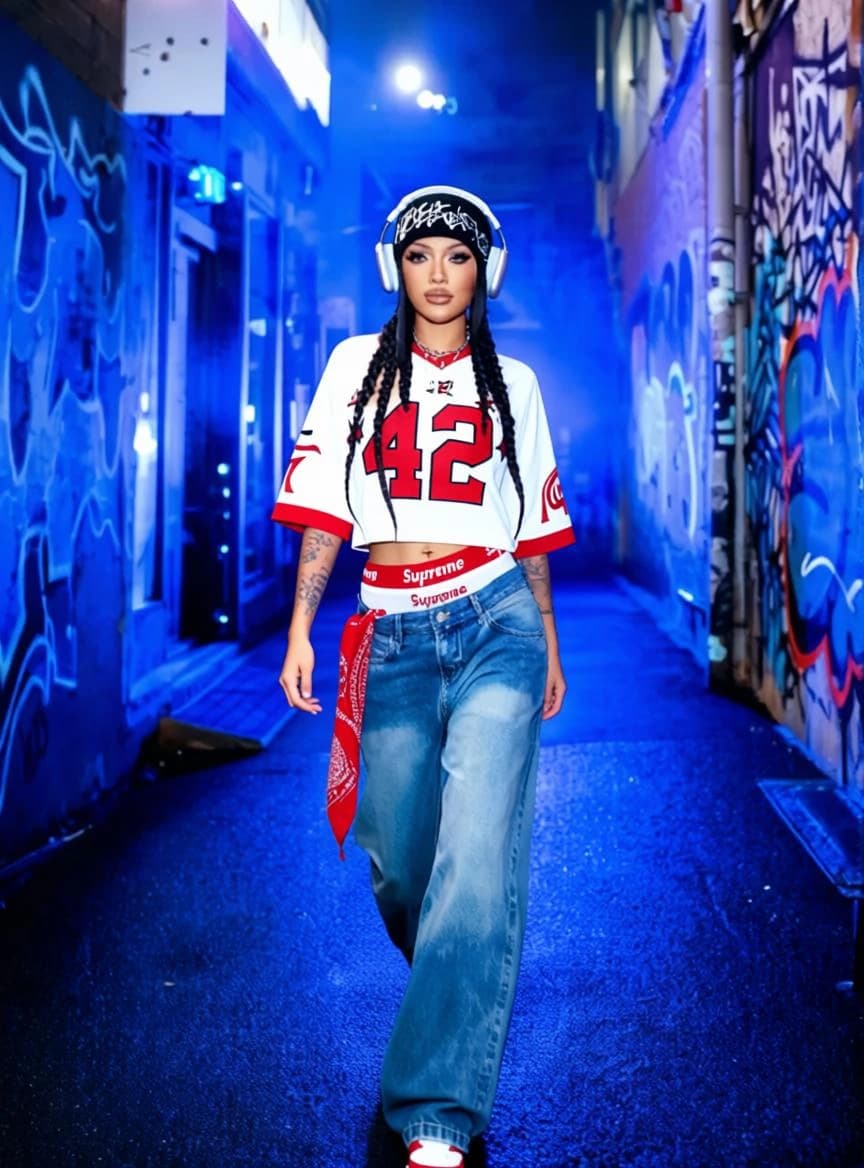
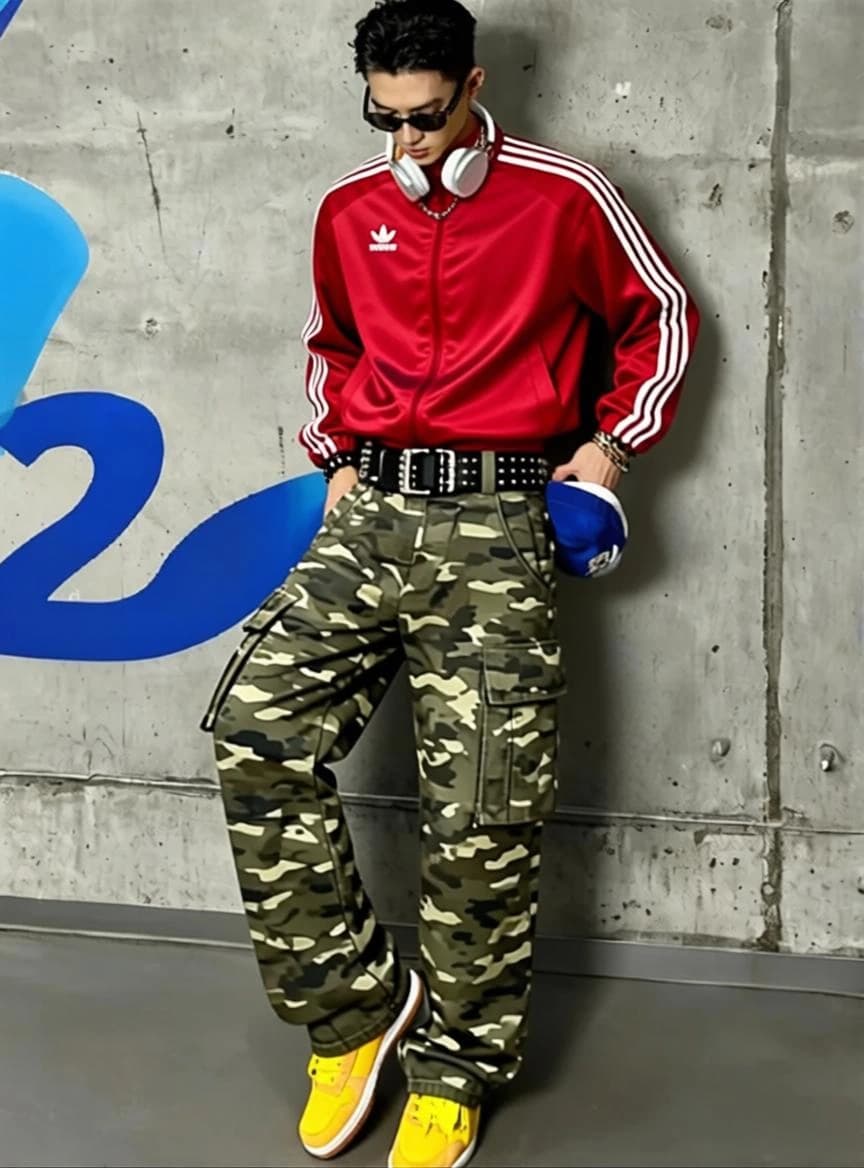
AI Outfit ChangedAI Outfit Changed
Outfit
Showcase Your Designs on Diverse Virtual Models - BeforeBefore
Showcase Your Designs on Diverse Virtual Models - AI Outfit ChangedAI Outfit Changed
Outfit

Showcase Your Designs on Diverse Virtual Models

Choose from multiple virtual models in our collection. Whether you're a fashion brand, designer, or content creator, visualize your clothing on various models to reach a wider audience and create compelling marketing content.

Boost Sales with Realistic Virtual Try-Ons - BeforeBefore
Boost Sales with Realistic Virtual Try-Ons - AI Outfit ChangedAI Outfit Changed
Outfit

Boost Sales with Realistic Virtual Try-Ons

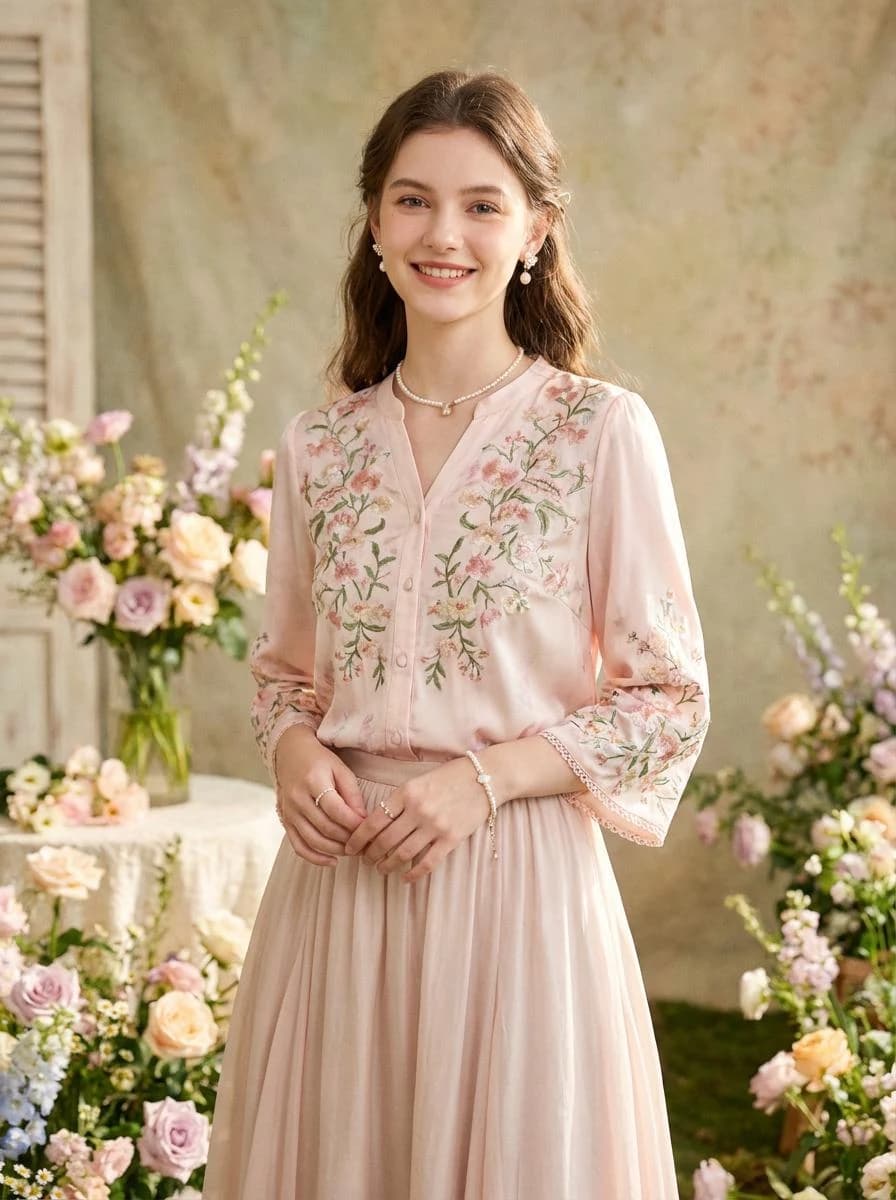
Help customers and clients see your clothing come to life on virtual models, reducing guesswork and increasing purchase confidence. Our tool accelerates product visualization, lowers return rates, and elevates your e-commerce with professional-quality images.

Cut Down Expenses Tremendously - BeforeBefore
Cut Down Expenses Tremendously - AI Outfit ChangedAI Outfit Changed
Outfit

Cut Down Expenses Tremendously

Replace costly photoshoots with PerchanceAI's instant, high-quality renderings, showcasing your clothing on virtual models with professional results at a fraction of the price.

Unmatched Realism and Ease - BeforeBefore
Unmatched Realism and Ease - AI Outfit ChangedAI Outfit Changed
Outfit

Unmatched Realism and Ease

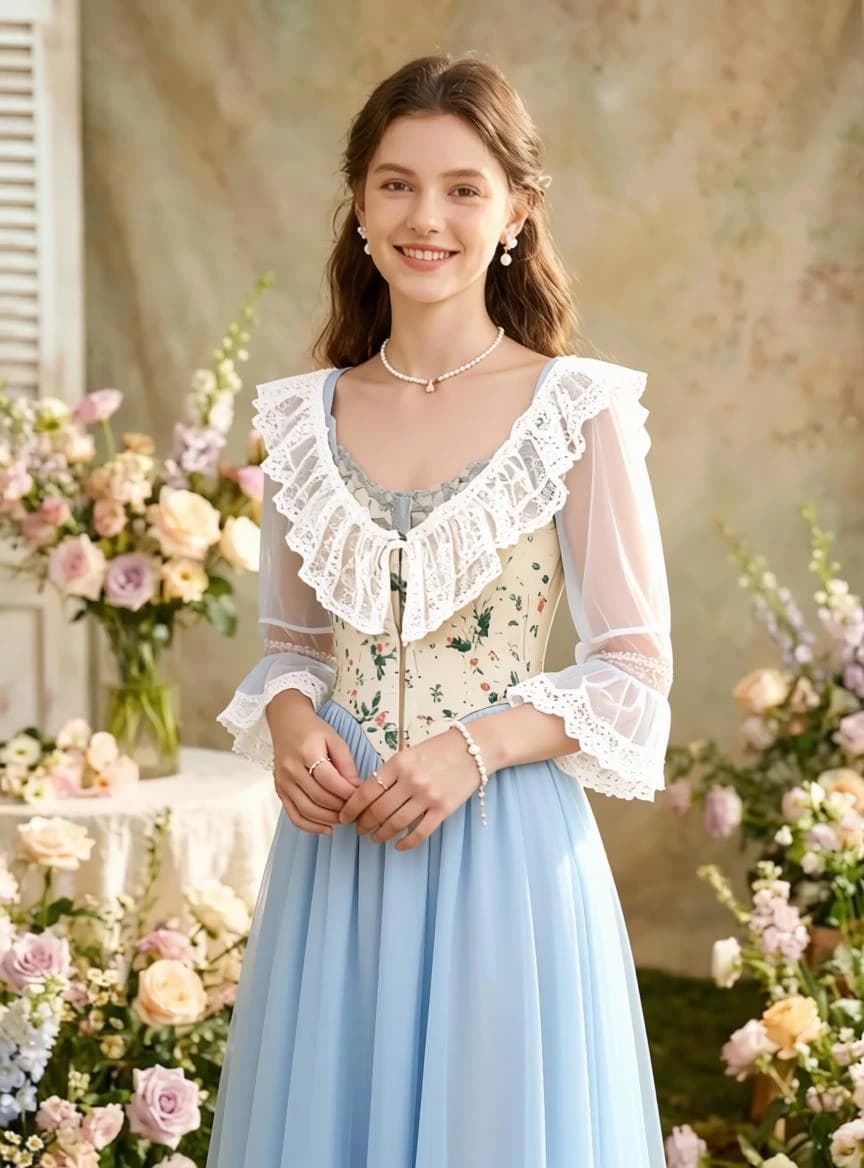
Our AI virtual try-on tool helps you explore endless styling possibilities with unmatched realism. Whether you're highlighting a new collection, creating marketing content, or enhancing your online store, PerchanceAI makes it easy to present your designs with confidence and flair.

How to Virtual Try On Clothes?

1

Step 1

Upload a clear photo of the garment you want to showcase.

2

Step 2

Browse and pick a model from our extensive virtual model library.

3

Step 3

Click Create to let our AI fit your clothing onto the selected model.

Explore Other AI Creation Tools

What Is an AI Clothes Changer?

PerchanceAI's AI Outfit Changer edits the clothing in a portrait while keeping the person, pose, framing, and background recognizable. It is useful for testing a style before buying, refreshing a profile photo, or creating fashion concepts without arranging another shoot.

How to Change Clothes in a Photo with AI

The outfit swap takes three simple steps and runs in your browser.

  • Upload a clear portrait or full-body photo in JPG, PNG, or WebP format.
  • Describe the outfit you want, including color, material, fit, and occasion.
  • Select a compatible model, generate the edit, and review the result before downloading.

Try Casual, Formal, Sporty, and Seasonal Looks

Use a precise prompt to explore everyday basics, office tailoring, evening wear, activewear, uniforms, costumes, or weather-ready outfits.

  • Casual: denim, knitwear, streetwear, vacation looks, and relaxed layers.
  • Formal: suits, dresses, business outfits, wedding guest looks, and evening wear.
  • Sporty and seasonal: gym sets, team-inspired looks, winter coats, summer outfits, and festival styling.

Tips for More Realistic Outfit Changes

Start with good lighting and visible clothing edges. Describe only the wardrobe change and tell the model what must remain unchanged. AI results can vary around hands, accessories, logos, and overlapping garments, so review important details before publishing or commercial use.

Two Ways to Choose a New Outfit

Use a clothes image when you already have a specific garment or complete look in mind. Switch to Clothes Description when you want to create a style from text. In either mode, the person photo remains the visual anchor for identity, pose, framing, and background.

  • Clothes Image: choose a clear, front-facing reference with the garment visible from neckline to hem.
  • Clothes Description: name the garment type, color, fabric, fit, length, pattern, and occasion.
  • For a partial change, specify the item to replace and which clothing, accessories, and scene details should stay unchanged.

Choose Photos That Produce Better Results

A strong source photo gives the model more useful information about the person, clothing boundaries, lighting, and perspective. You do not need a studio photograph, but blurry or badly exposed images leave less detail for the model to follow.

  • Use a sharp, well-lit portrait or full-body image with the face and torso clearly visible.
  • Avoid crossed arms, large bags, hair, or foreground objects covering the clothing area.
  • Prefer a high-resolution image with natural proportions and a background that does not blend into the outfit.

AI Outfit Ideas for Everyday and Creative Work

Reuse one suitable portrait to explore practical wardrobe choices and creative concepts without preparing a separate photo for every look.

  • Personal styling: compare casual, business, formal, seasonal, and event-ready combinations.
  • Content creation: refresh profile photos, campaign concepts, thumbnails, and social posts with coordinated outfits.
  • Fashion work: visualize garment ideas on different portraits before planning detailed design work or a full photoshoot.

Review and Refine Your Generated Outfit

Treat the first result as a draft. Open the image from generation history, inspect it at a larger size, then reuse the prompt or revise the outfit description when a detail needs another pass.

  • Zoom in to check the face, hands, garment edges, seams, buttons, logos, and overlapping layers.
  • Make one focused prompt adjustment at a time, such as changing only the fabric, fit, sleeve, or color.
  • Compare multiple results in the history rail before downloading the version that best preserves the original photo.

Frequently Asked Questions

What is an AI clothes changer?+

It is an AI photo editor that replaces the visible outfit in a photo while aiming to preserve the person, pose, composition, and background.

How do I change clothes in a photo with AI?+

Upload a clear photo, describe the new outfit, choose a compatible model, and generate the edited image. Specific colors, materials, fit, and occasion usually produce better results.

Which image formats are supported?+

You can upload JPG, PNG, and WebP images. A clear portrait or full-body photo with visible clothing works best.

Can I use the AI outfit changer on mobile?+

Yes. The tool works in a modern mobile browser, so you do not need to install an app.

Are my uploaded photos private?+

Uploaded photos are securely processed by PerchanceAI and the selected AI provider solely to complete your generation request. Review the privacy policy before uploading sensitive images.

Can I use changed-outfit photos commercially?+

Use only photos, likenesses, brands, and clothing designs you have permission to edit. Review faces, logos, garment details, and platform rules before commercial publication.

Create Your Next Outfit with AI

Upload a person photo, add a clothes reference or describe a new look, and compare every result in your generation history.

Try AI Clothes Changer