
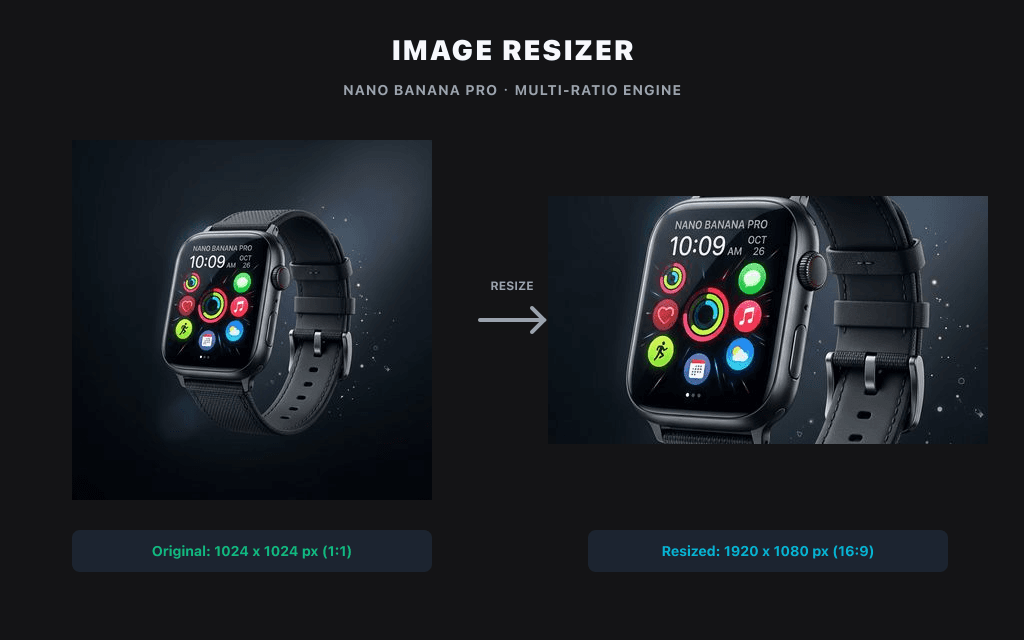
Free image resizer — resize PNG, JPG & WebP without losing quality. Works 100% in your browser, no upload, no signup. Set exact pixels or keep the aspect ratio.
Local image utility
Images are processed with Canvas in this browser and are not uploaded to the Product API by default.
No uploadNo creditsBrowser only
Preset size
Output format
Resize for social posts
Choose or drop an image to process and preview it locally in this browser.
Examples
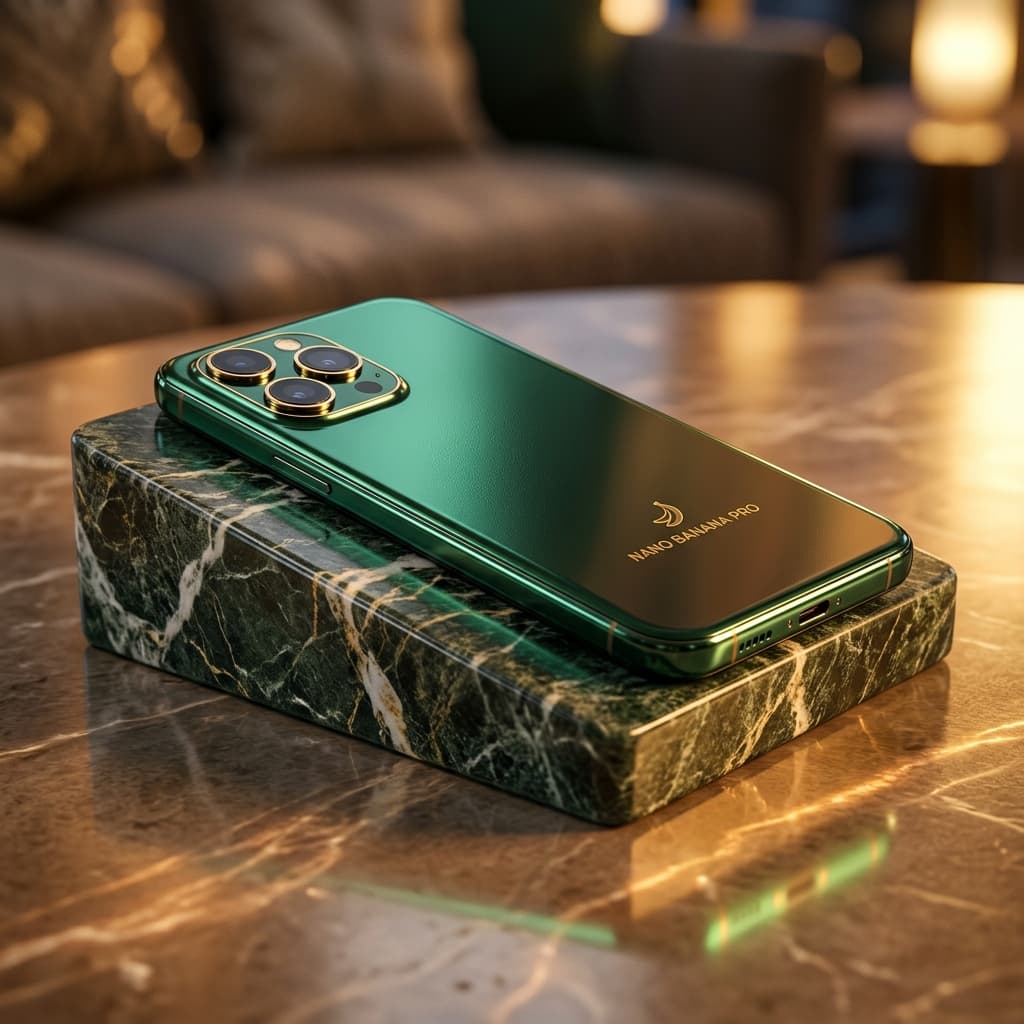
Resize product grid images

Resize for banner layouts
Related tools
AI SuiteExplore more related image tools to continue your creative workflow:
FAQ
How do I resize a PNG without losing quality?
Keep the aspect ratio locked and resize by pixels rather than upscaling. Because the tool processes your PNG locally in the browser, there's no re-compression from an upload — the main cause of quality loss.
Is this image resizer free?
Yes, completely free. No signup, no watermark, no usage limits.
Can I resize images without uploading them?
Yes. Files are processed entirely in your browser and never leave your device.
What size should I resize images to for Instagram?
1080 × 1350 for portrait, 1080 × 1080 for square, and 1080 × 566 for landscape.
How do I resize an image to 1 MB?
Enter your target pixel dimensions, then choose the JPG or WebP quality level that brings the file under 1 MB. Lower quality = smaller file; the preview lets you check sharpness before downloading.
What file formats are supported?
PNG, JPG/JPEG and WebP. You can convert between them while resizing.